
Going Live with Larix BroadcasterUpdated 4 months ago
Purpose: This article walks you through going live with the Larix Broadcaster app from the LyveCom dashboard.
Intended Audience: Creators, Hosts, Brand Partners, Ecommerce Managers
Go Live with the Larix Broadcaster App
Use your mobile device to stream high-quality video directly to LyveCom.
✅ Before You Begin
Make sure the Larix Broadcaster app is downloaded and properly set up.
Need help? Check out our Larix Setup Guide.
Start Your Stream
In your LyveCom Dashboard, select Source of Broadcast: Software
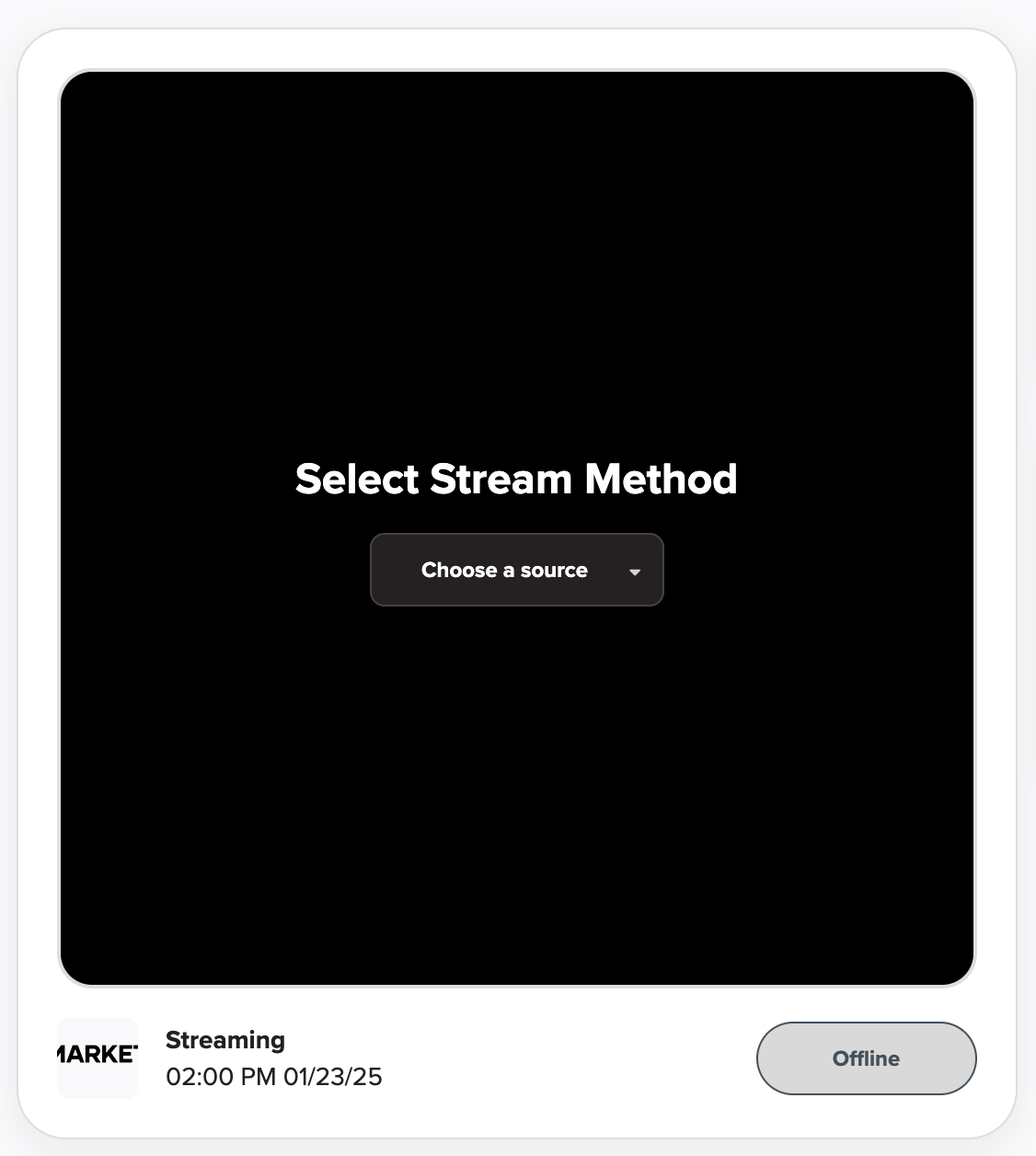
On your phone or tablet, tap Start to begin using your mobile camera
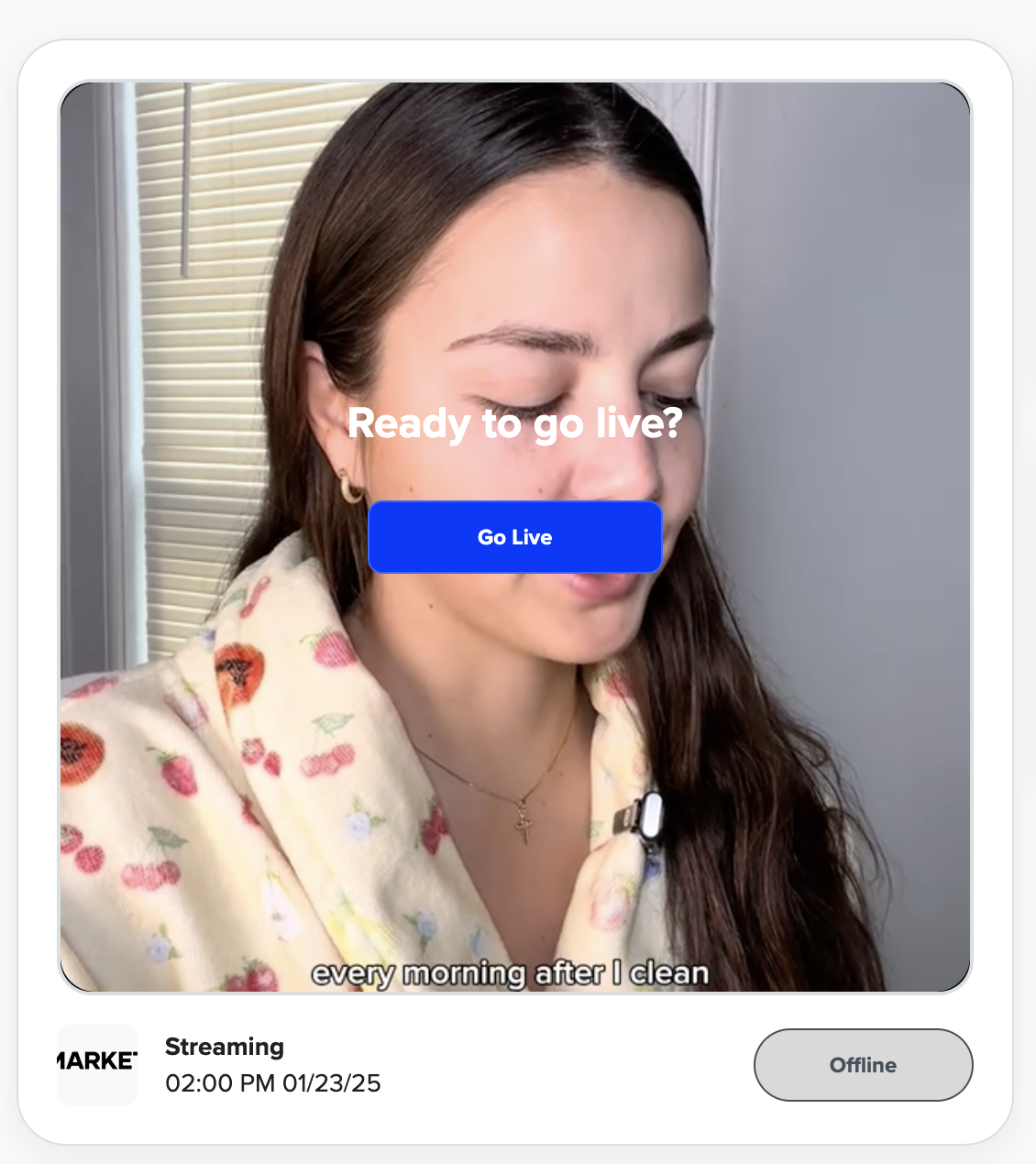
You'll know it's connected when you see the mobile camera preview in your dashboard
Tap Go Live when you're ready!
(Need more help? Refer to our Go Live article)
Have more questions? Reach out to our support team - we’re happy to help!
Happy selling! ✨