
Yotpo IntegrationUpdated 4 months ago
Intended Audience: Ecommerce Managers, Brand Teams
Purpose: Display product reviews during livestreams to boost trust and conversion.
🌟 Display Product Reviews with Yotpo
How to Enable Yotpo Integration
Go to Settings → Integrations
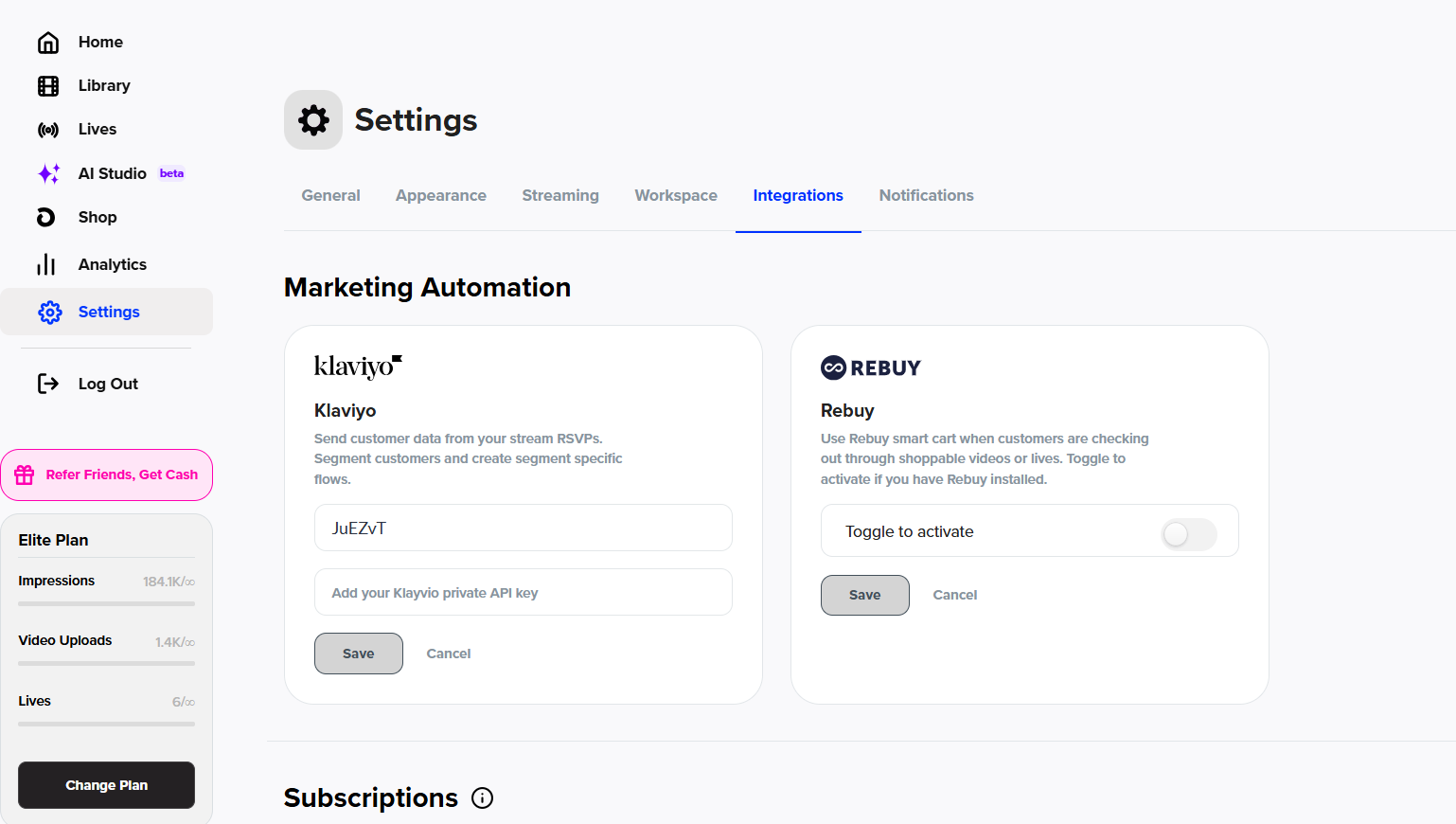
Scroll to the Reviews section
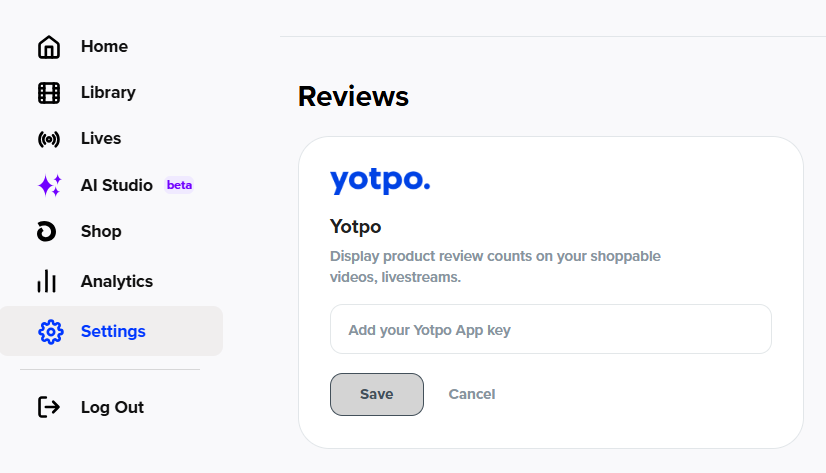
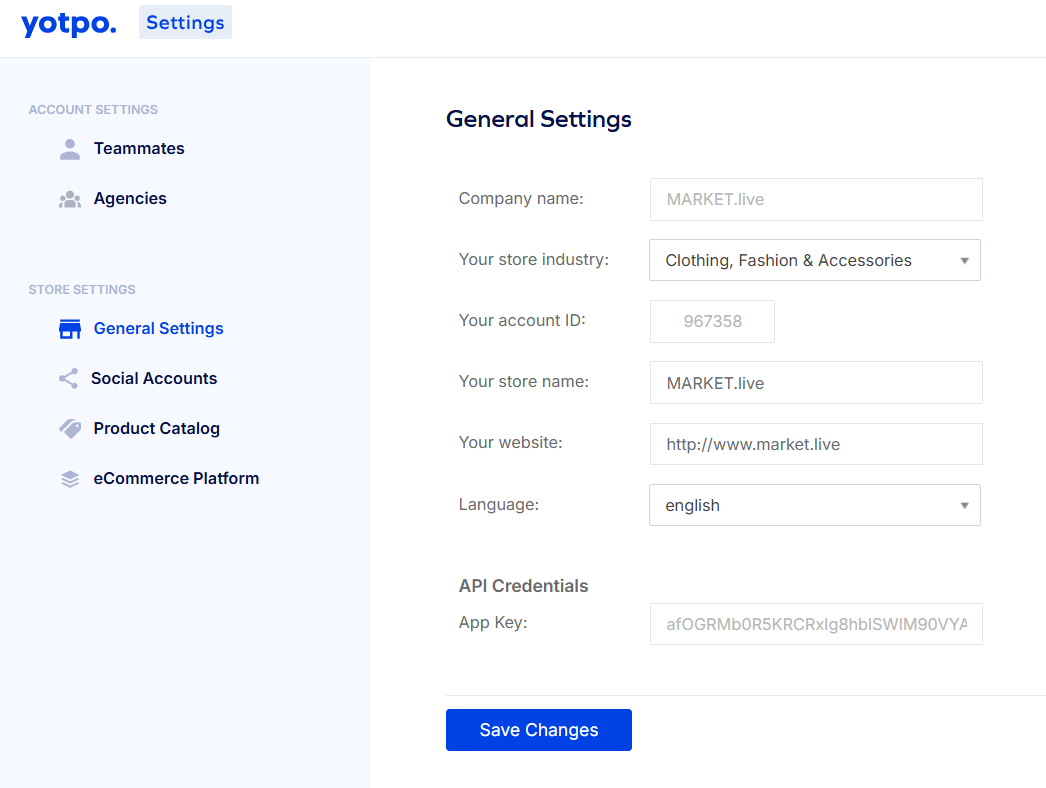
Retrieve your App Key from Yotpo:
In Yotpo Reviews, click the Profile icon (top right)
Select Account Settings → General Settings
Scroll to the bottom of the page to find your App Key
Paste the App Key into the LyveCom dashboard
Click SAVE to activate the integration
Once connected, your Yotpo reviews can appear in your livestream experience—perfect for building real-time credibility and driving sales.
Have more questions? Reach out to our support team - we’re happy to help!
Happy selling! ✨