
✨ Using the AI Script WriterUpdated 4 months ago
Platform: LyveCom
Audience: Creators & Sellers
Topic: How to Generate a UGC Script with AI
✨ Using LyveCom's AI Studio - Script Writer
LyveCom’s AI Studio helps you quickly create customized UGC scripts for any platform or campaign.
How to Get Started
Log in to your LyveCom dashboard
Click AI Studio → Script Writer on the left-hand menu
Click Generate Script in the top right-hand side

Script Input Fields
You'll be prompted to fill in the following:
Script Name
UGC Duration: Choose 30 seconds or 45 seconds
Tag Your Product or Paste a Product URL
Script Customization Options (see below 👇)
Script Customization Options
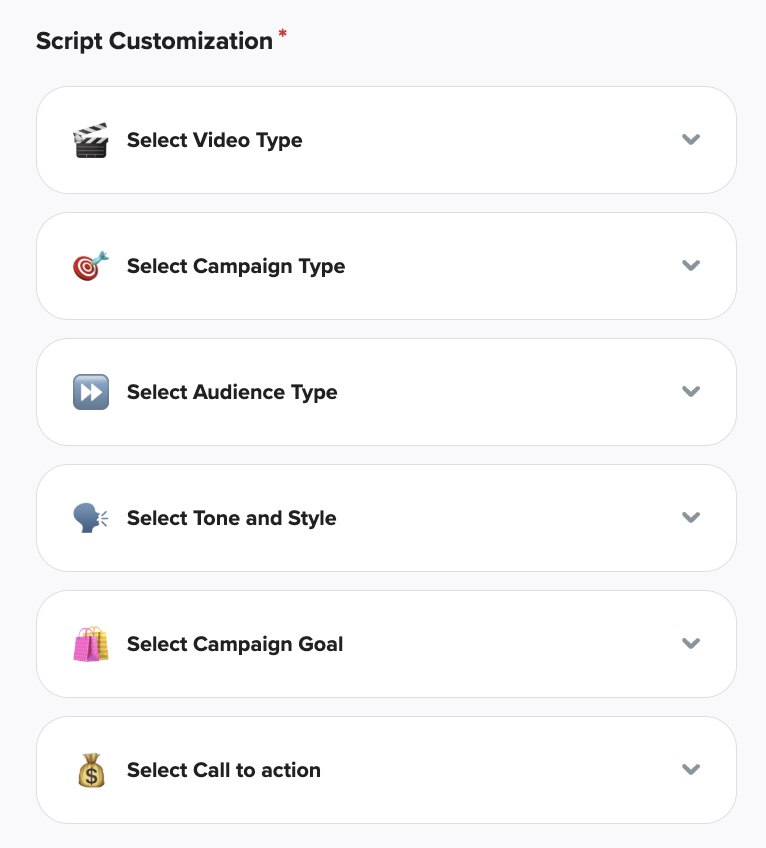
Select one option from each of the following categories (or create your own):
Video Type
Campaign Type
Audience Type
Tone and Style
Campaign Goal
Call to Action
Once everything’s selected, just click “Let’s generate your script”! 💡

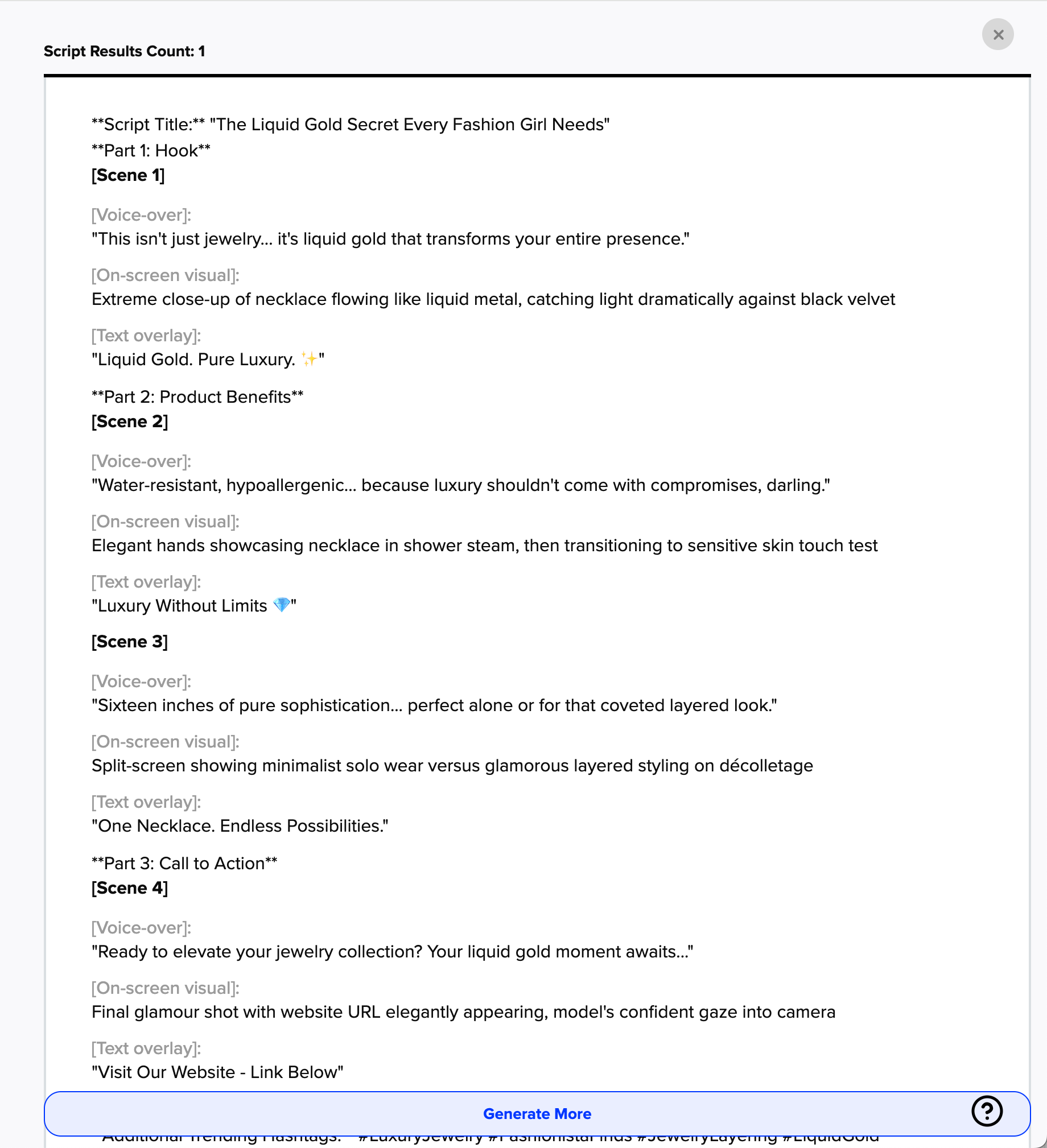
Your script will appear in the preview window.
✔️ Want to try something new? Click Generate More
📋 Want to save it? Click Copy to paste it elsewhere
📂 Love it? Click Archive Scripts to save it to your account
You can always revisit your archived scripts by going to:
AI Studio → Script Writer
Have more questions? Reach out to our support team - we’re happy to help!
Happy selling! ✨