
Sharing Your Shoppable VideosUpdated 4 months ago
Purpose: This guide explains how embedded videos on your Shopify pages can be shared by customers to drive organic traffic and conversions.
Intended Audience: Ecommerce Managers, Content Creators, CSMs
Step 1: Hover or Tap the Video
On desktop, move your mouse over the embedded video and click.
On mobile, tap the video once.
A control menu will appear on the screen.
Step 2: Click the Share Button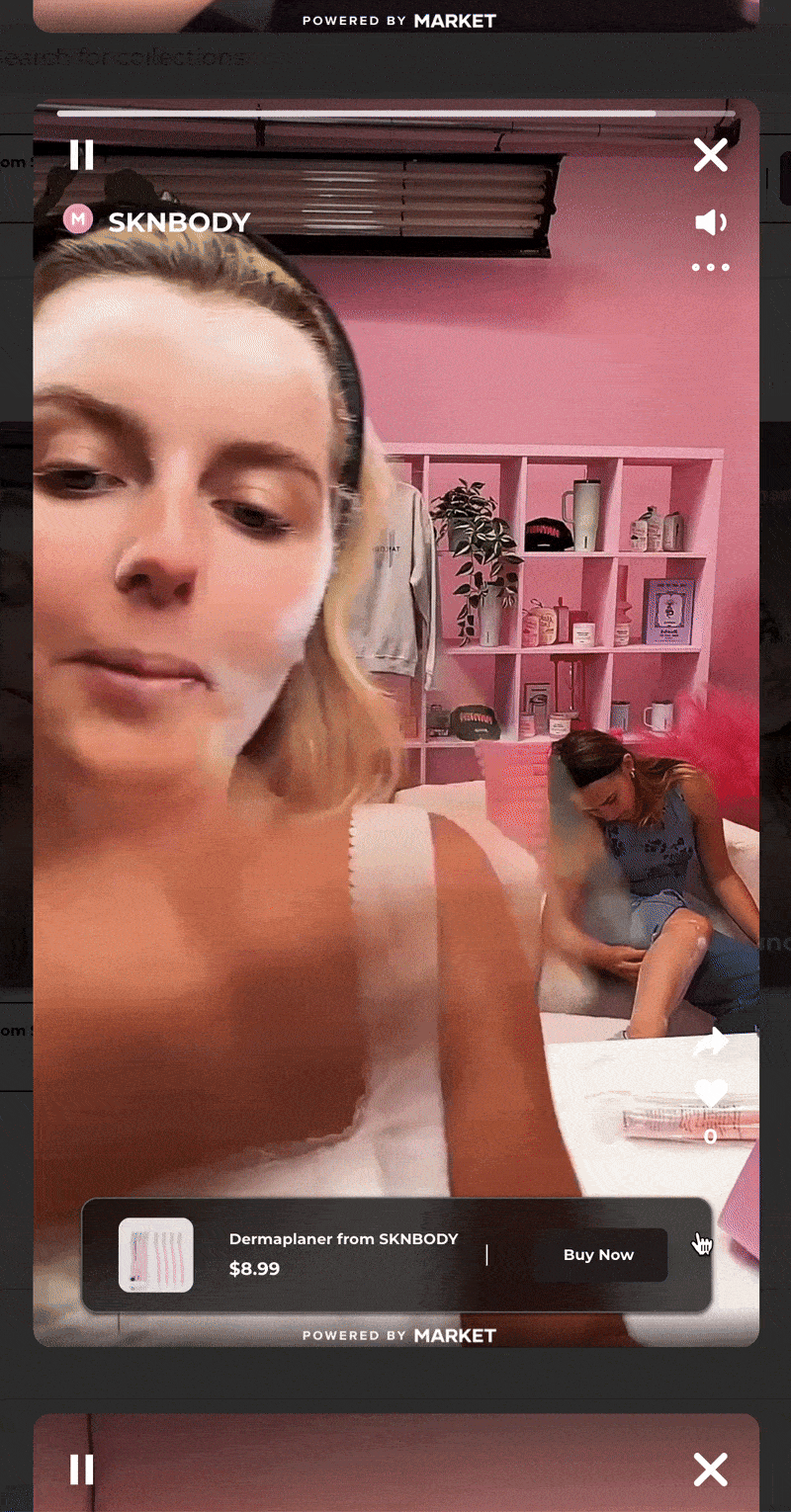
Click the Share button (🔗 or ➡️ icon).
A list of sharing options will appear, including:
Reddit
WhatsApp
Pinterest
Twitter
Email
... and more
Step 3: Copy or Share the Link
You can either copy the video link or share directly to one of the platforms shown.
Visitors can do the same, encouraging organic distribution of your content.
Every share helps expand your reach, drive conversions, and promote your brand naturally!
Have more questions? Reach out to our support team - we’re happy to help!
Happy selling! ✨