
Klaviyo Integration OverviewUpdated 4 months ago
Intended Audience: Marketing Teams, CRM Managers
Purpose: The Klaviyo and LyveCom integration allows you to sync powerful customer engagement data from your shoppable videos and live shopping events directly into Klaviyo. With this setup, you can trigger personalized email and SMS flows, build targeted segments, and understand how video engagement influences conversions.
Why This Matters
This integration allows you to add Shoppable Videos directly into your SMS and email marketing.
Step 1: Setup in LyveCom Dashboard
Log in to your LyveCom Dashboard.
Navigate to the Settings tab on the left-hand side.
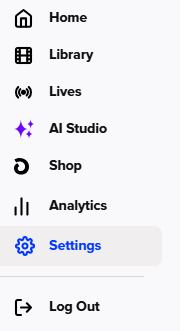
Once in Settings, go to Integrations
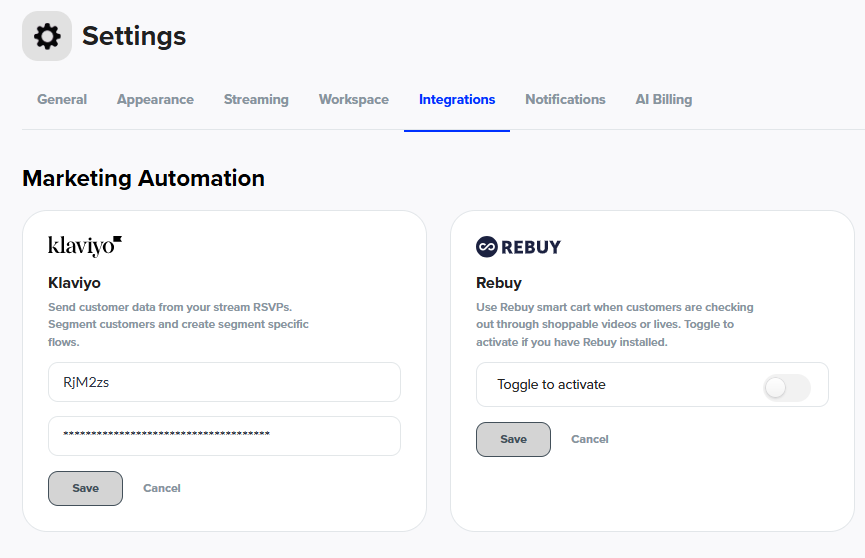
Step 2: Login To Your Klaviyo Account
Log in to your Klaviyo Admin Panel
Go to API Keys
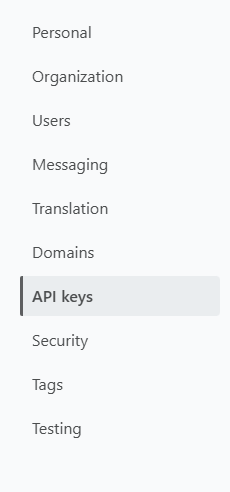
Copy the Public API and enter it into the LyveCom Dashboard Klaviyo Integration section
Within Klaviyo again, create a Private API, title it LyveCom and select Fully Access Key
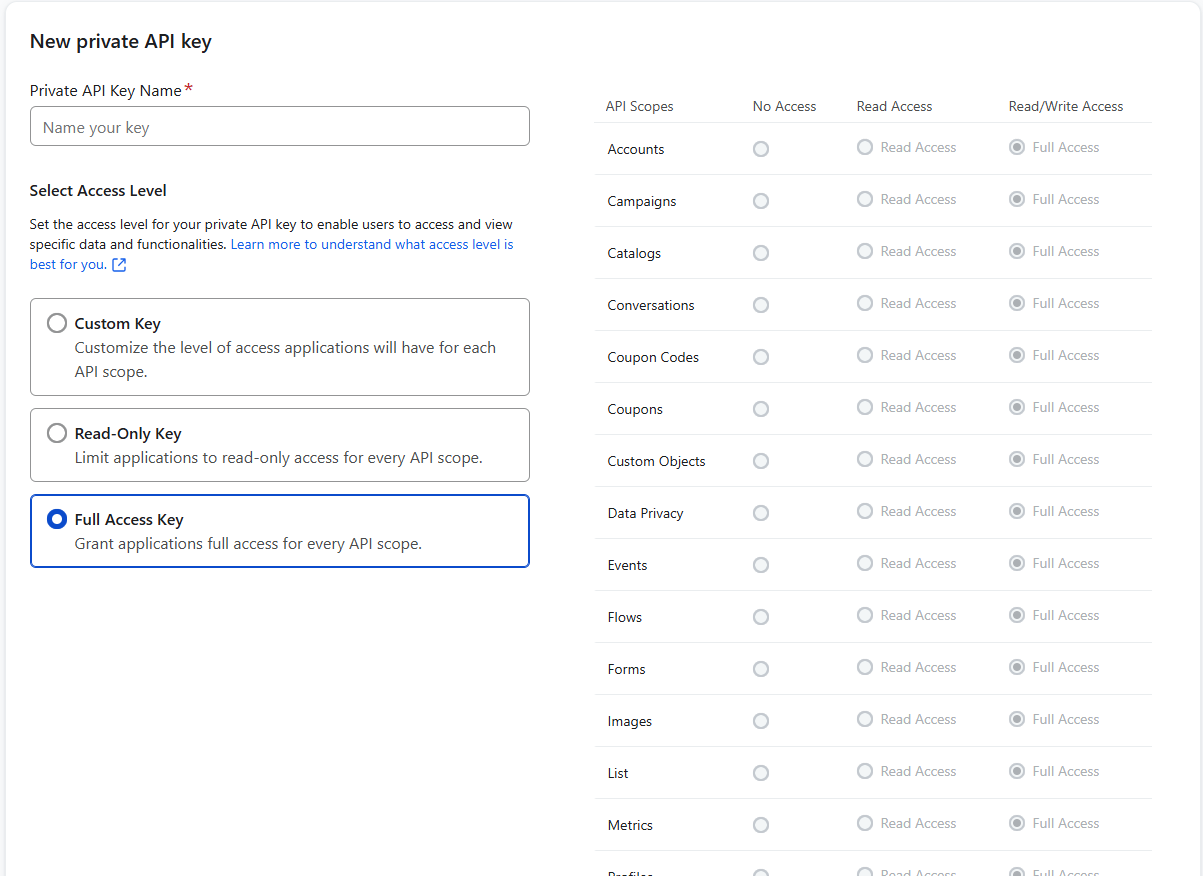
Copy this number into the LyveCom Dashboard Klaviyo Integration as well
Back in Klaviyo's API Settings, scroll down to Default Opt-In Settings and select Single Opt-in
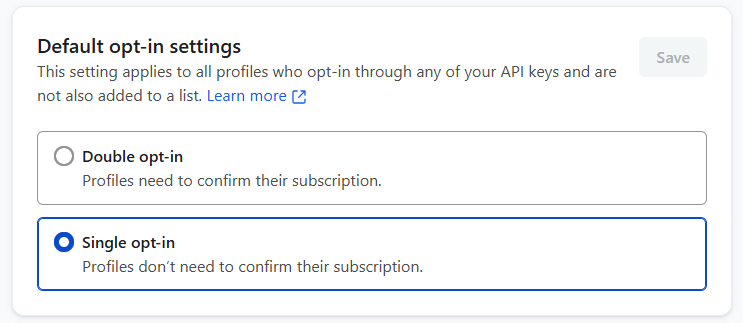
Now you have set up your Klaviyo integration with LyveCom!
Have more questions? Reach out to our support team - we’re happy to help!
Happy selling! ✨