
Embedding Shoppable Bubbles on ShopifyUpdated 4 months ago
Intended Audience: Marketing Managers, Content Managers
Purpose: This guide provides step-by-step instructions for embedding shoppable videos on your Shopify store using the Bubbles format. Bubbles are small, circular video widgets typically placed inline within product descriptions—perfect for answering buyer questions with social proof or product insights.
💡 For a wider display with more videos, consider using the Carousel format instead.
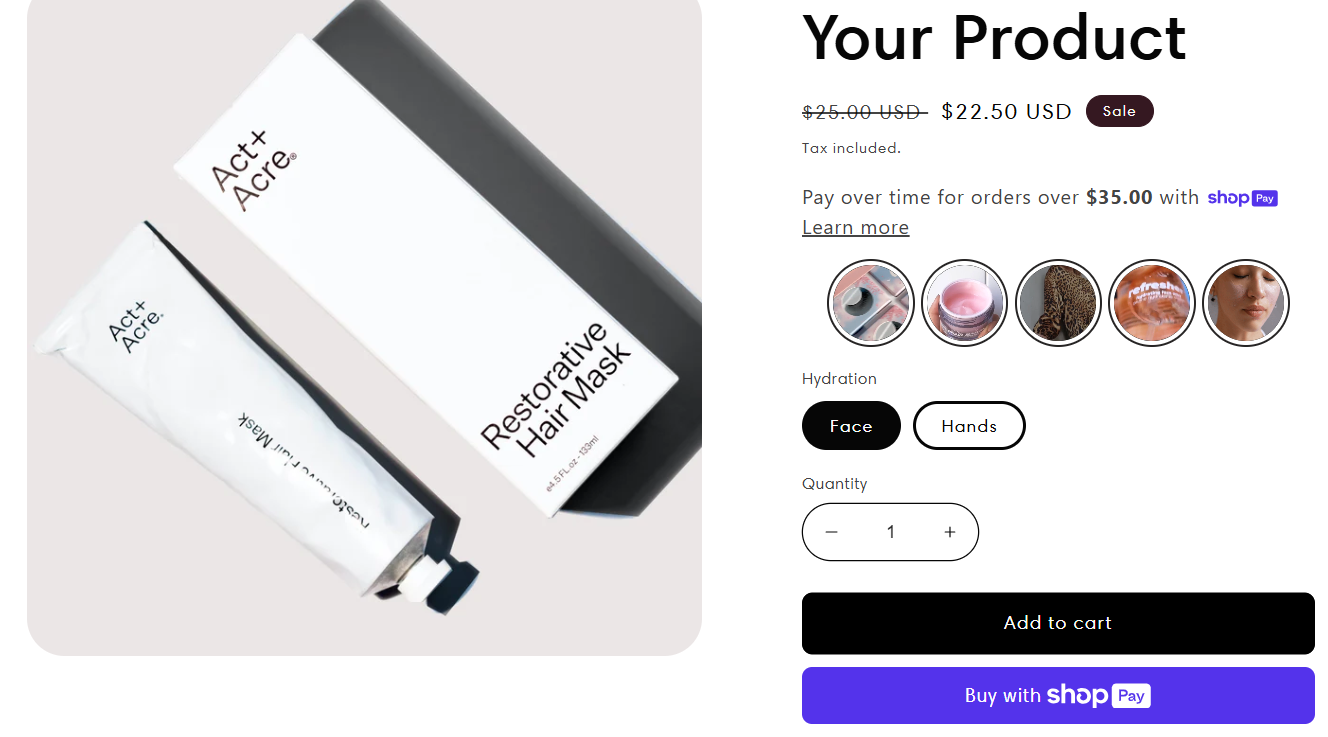
Step-by-Step: Embed Bubbles on Shopify
1. Upload Your Videos
Go to Library > Videos
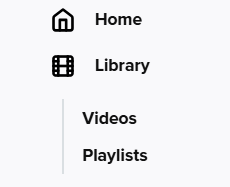
Click Upload Video

Choose your upload method:
Bulk Upload: Import multiple videos from desktop or cloud
Single Video: Upload from desktop or import from Instagram or TikTok
✅ To import from socials, go to Settings > Integrations > Socials
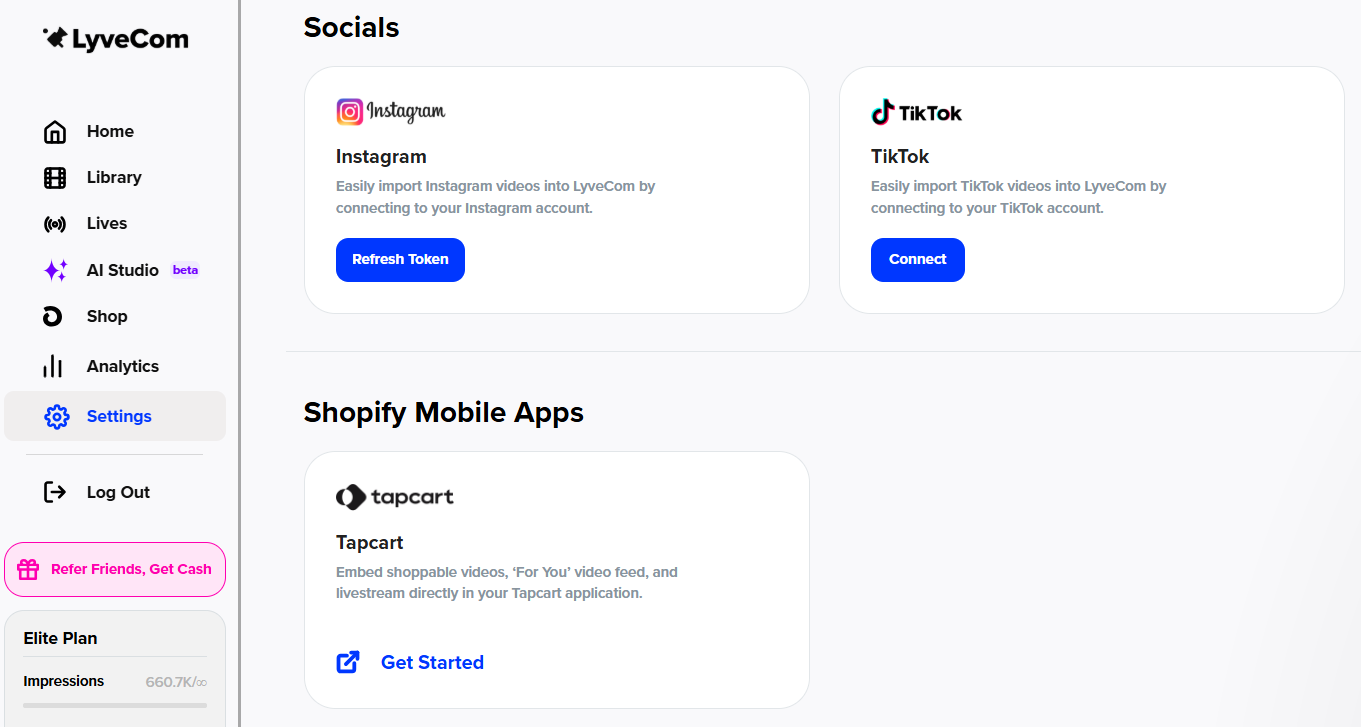
2. Add Video Details
Title: Choose a clear, searchable title
Video Type: Keep set to Shoppable
Product Tagging:
In the search bar, begin typing a product name or SKU
Link all featured products
Add upsell items where relevant
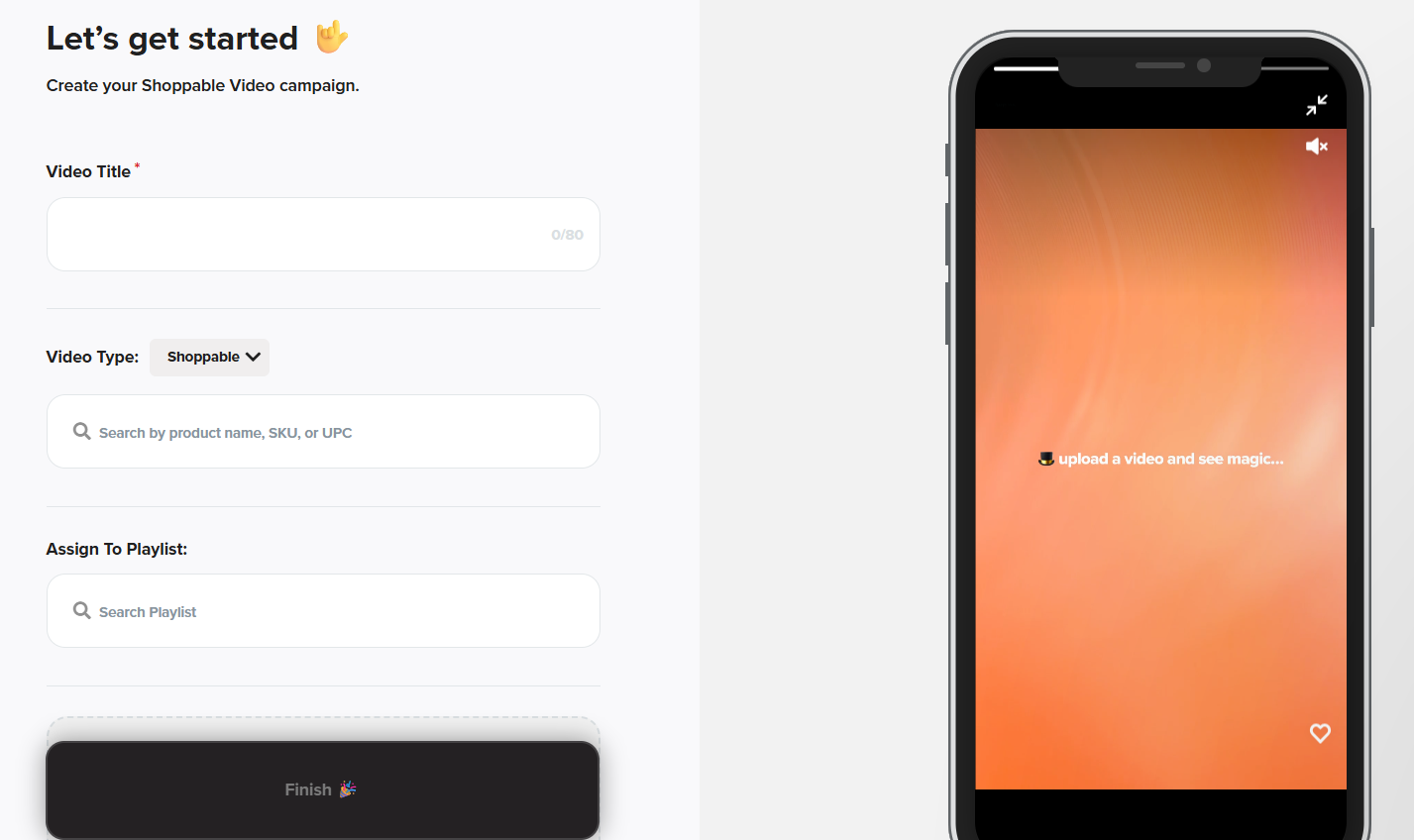
Click Choose File to upload
Click Finish
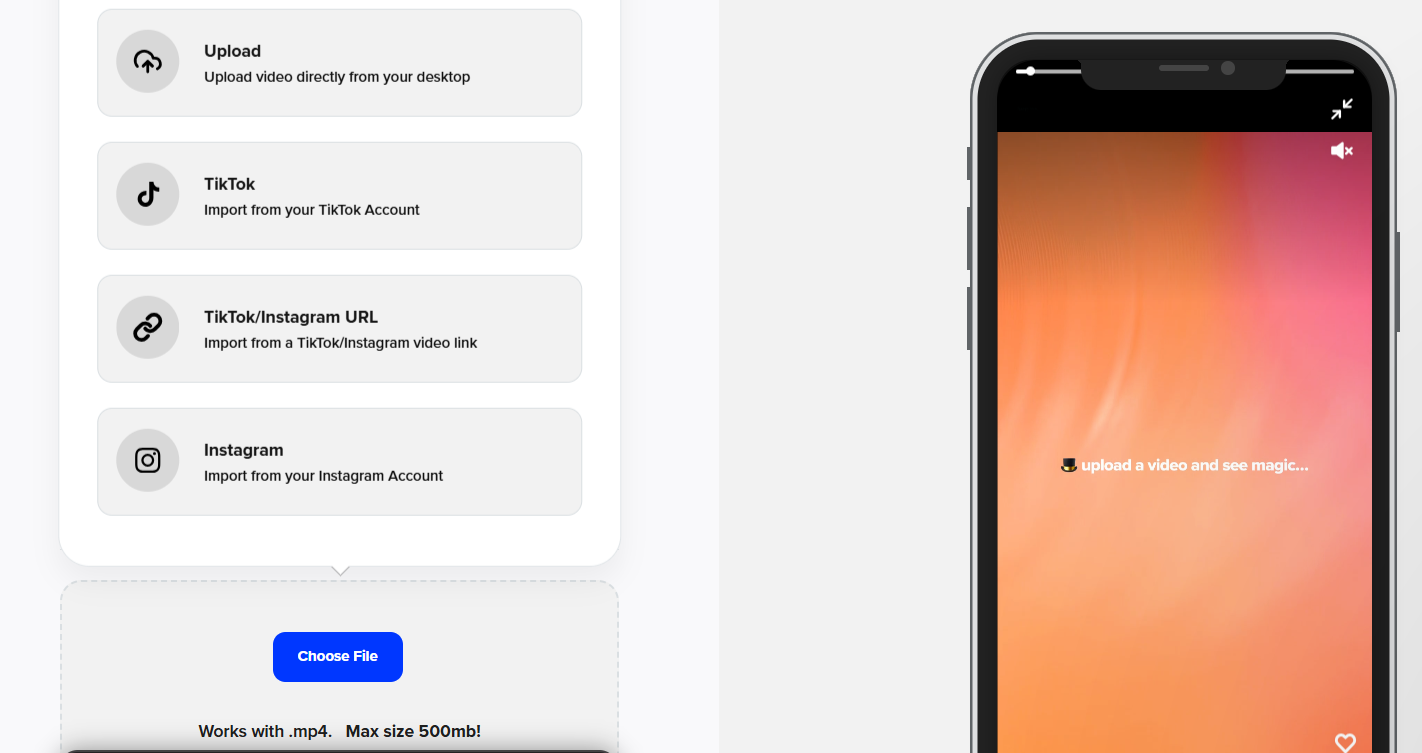
🔁 Repeat until you've uploaded at least 3 videos for your Bubbles playlist.
3. Create a Playlist (Bubbles)
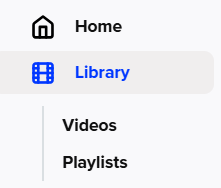
Go to Library > Playlists
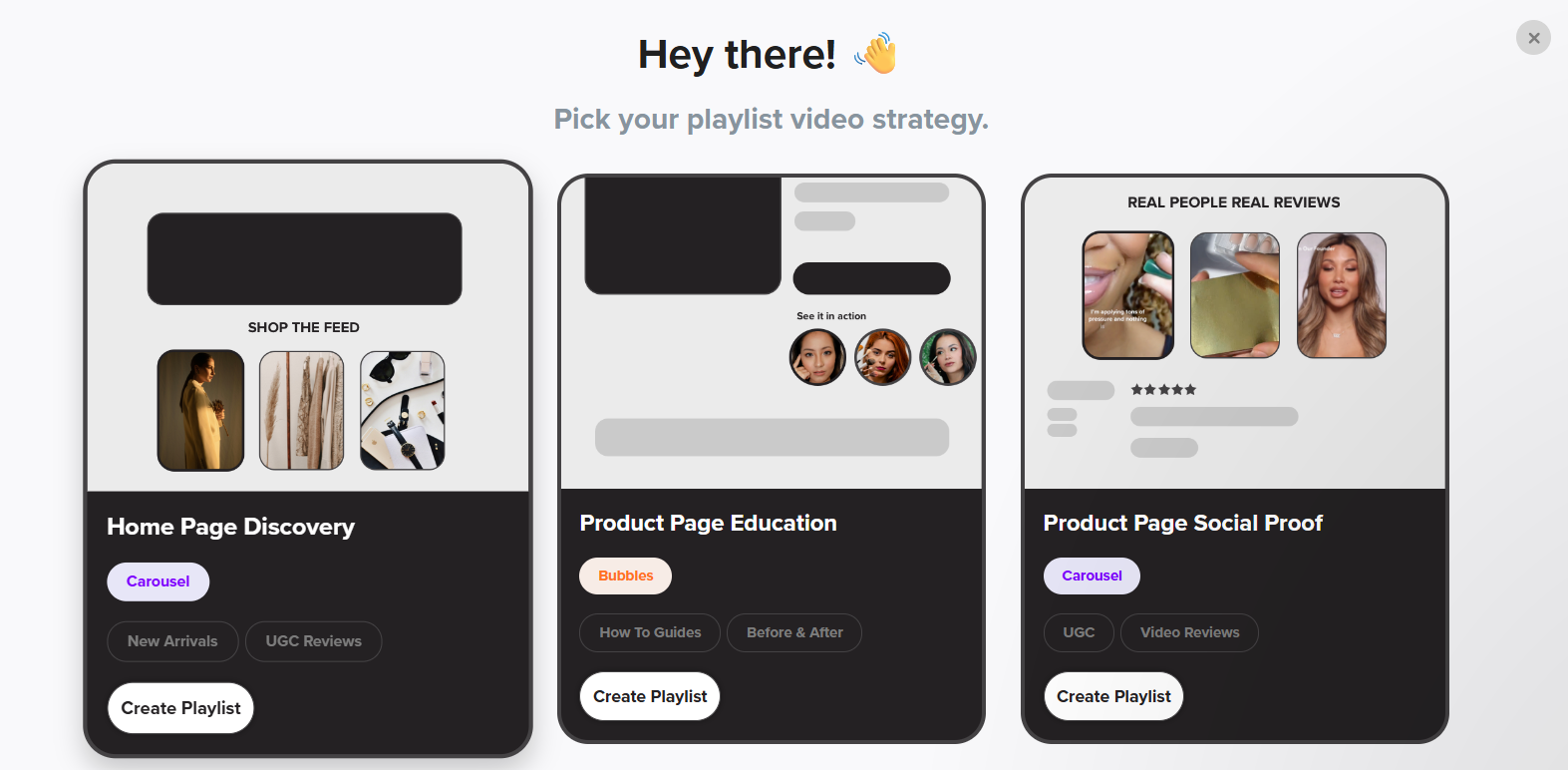
Click New Playlist

Choose Product Page Education as the playlist type
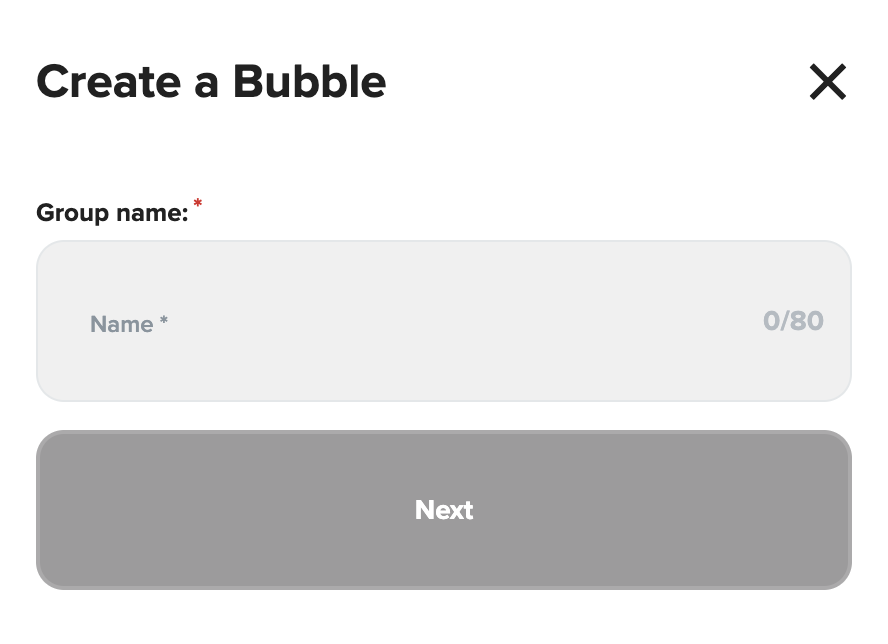
Name your playlist clearly (e.g., PDP Bubbles or FAQ Highlights)
Select the videos you want to include
Click Get Bubbles
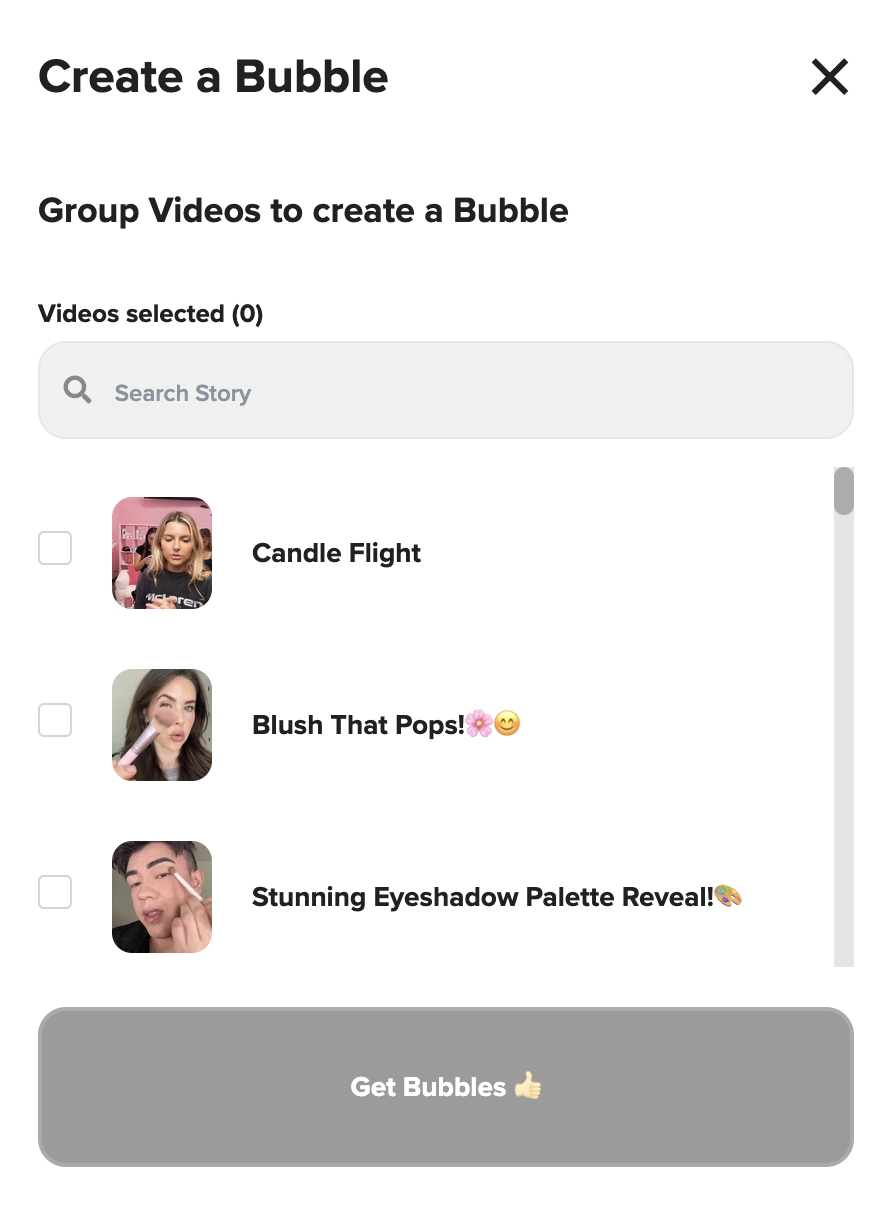
4. Customize the Bubbles Design
In the Design tab:
Adjust layout and placement options
Titles can be toggled on/off or placed outside the bubbles
Preview changes in real time
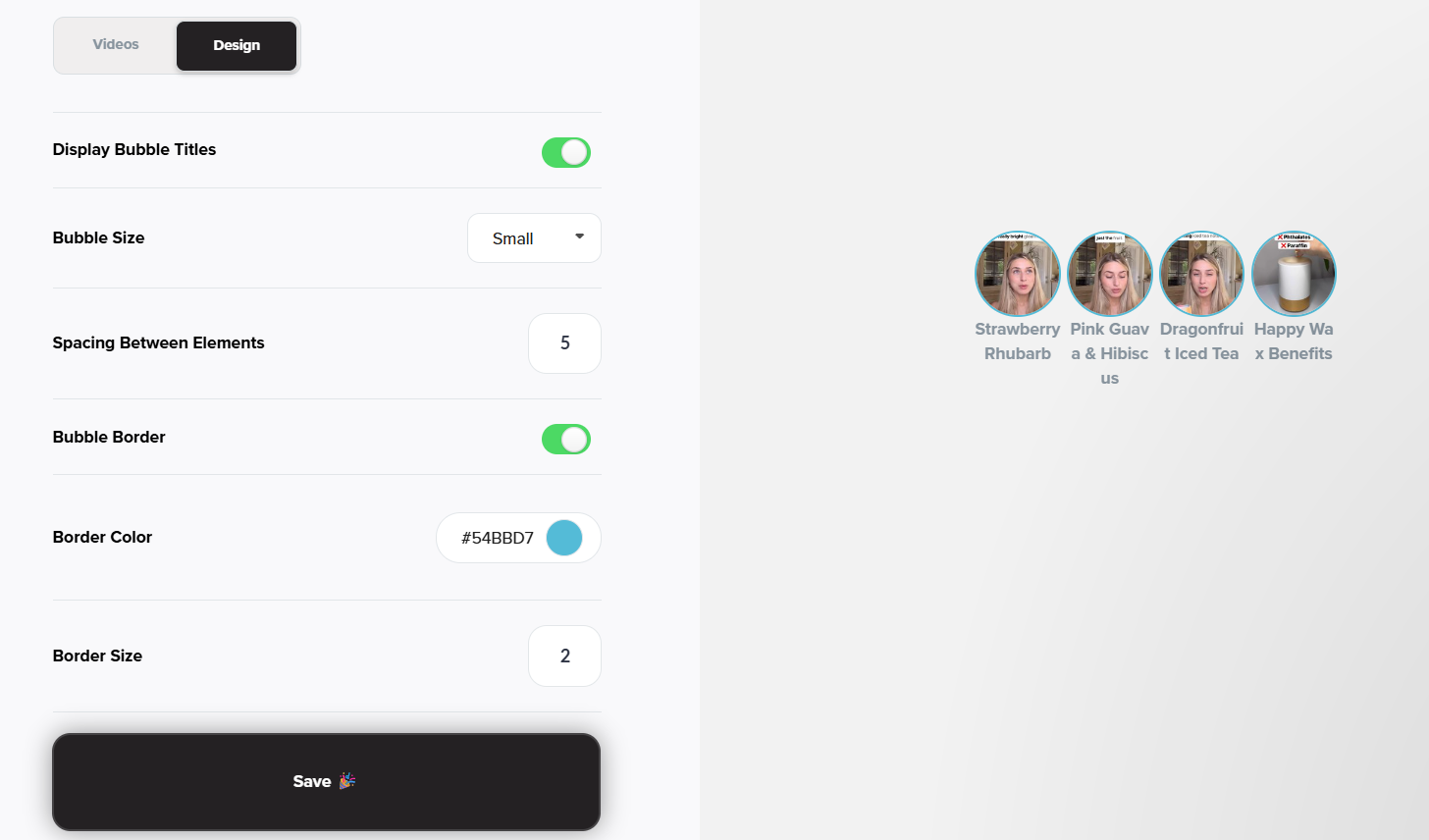
Click Publish Bubbles when you’re happy with the design

5. Embed in Shopify
After publishing, copy the Campaign ID
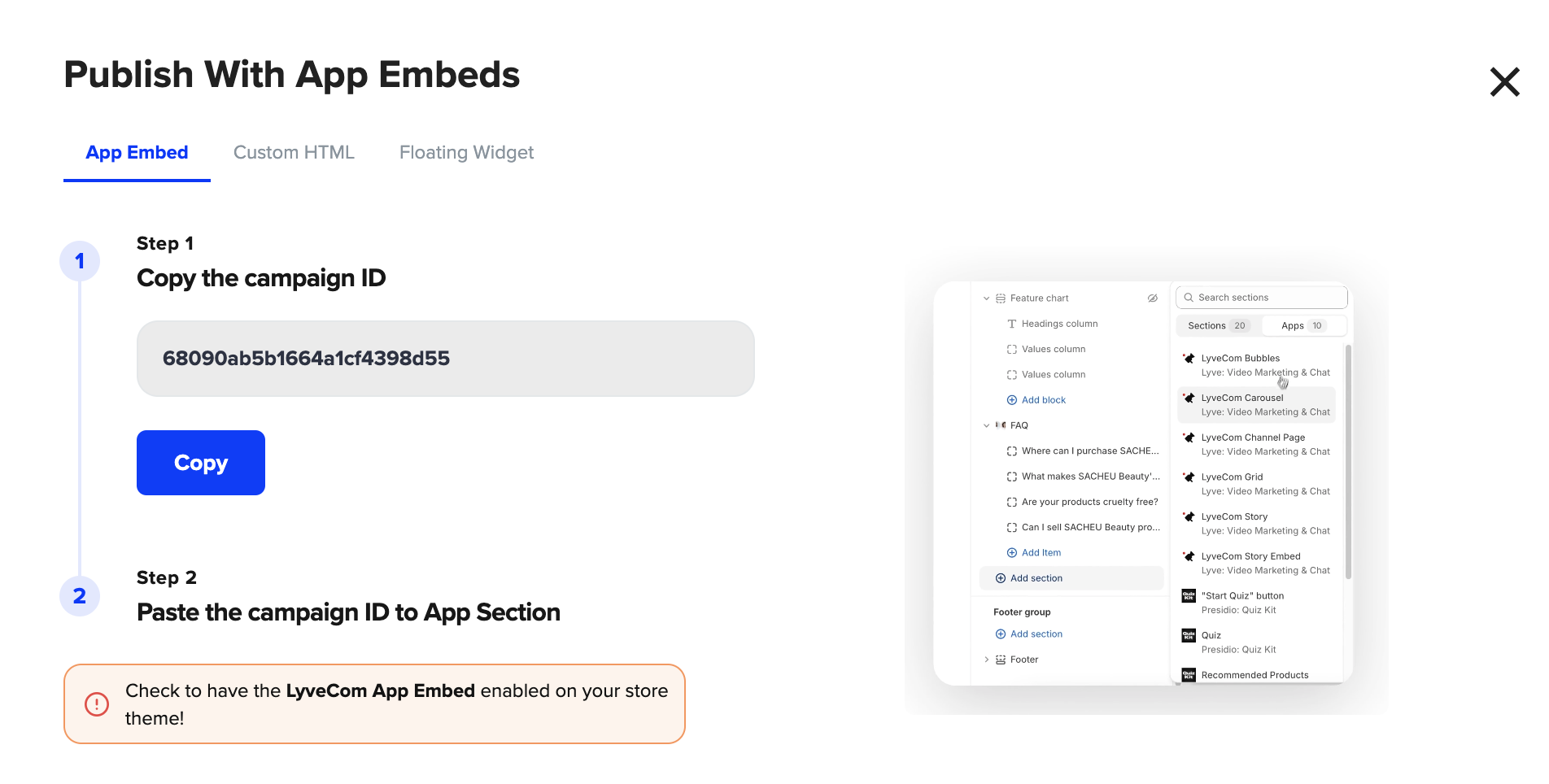
Open your Shopify theme editor
If you haven’t already:
Enable LyveCom App Embeds
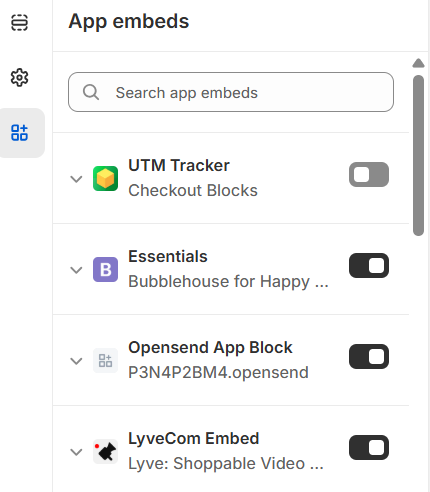
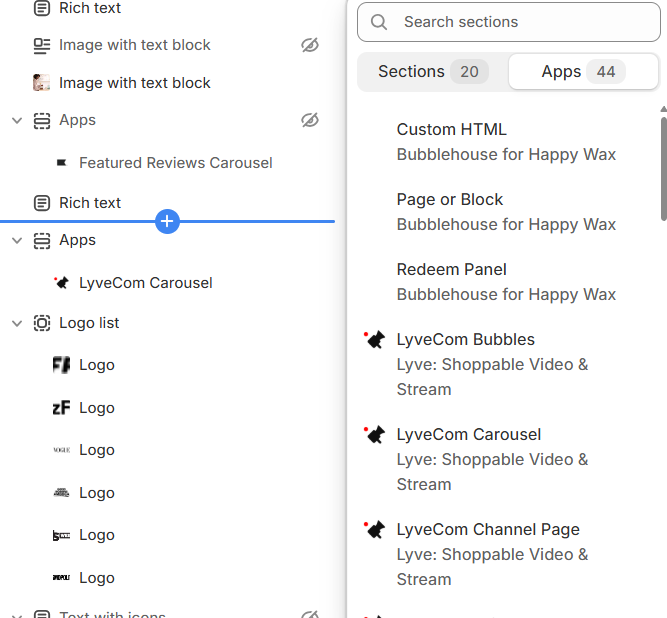
Click Add Section > Apps > LyveCom Bubbles
Paste the Campaign ID into the settings
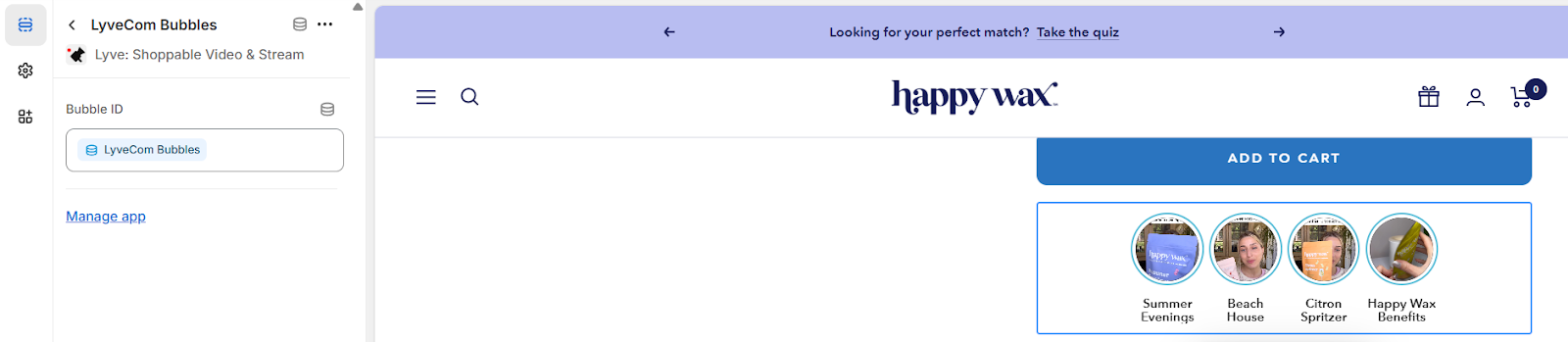
Click Save to apply changes.
That’s it!
Your Bubbles are now live on your Shopify product pages—helping shoppers get answers and feel confident in their purchases.
Have more questions? Reach out to our support team - we’re happy to help!
Happy selling! ✨