
Embedding a Shoppable Video Carousel on ShopifyUpdated 4 months ago
Intended Audience: Marketing & Content Managers
Purpose: This guide walks you through embedding shoppable videos on your Shopify store in a carousel format. Carousels span the full width of a page and are great for showcasing UGC, customer reviews, and multiple product videos at once.
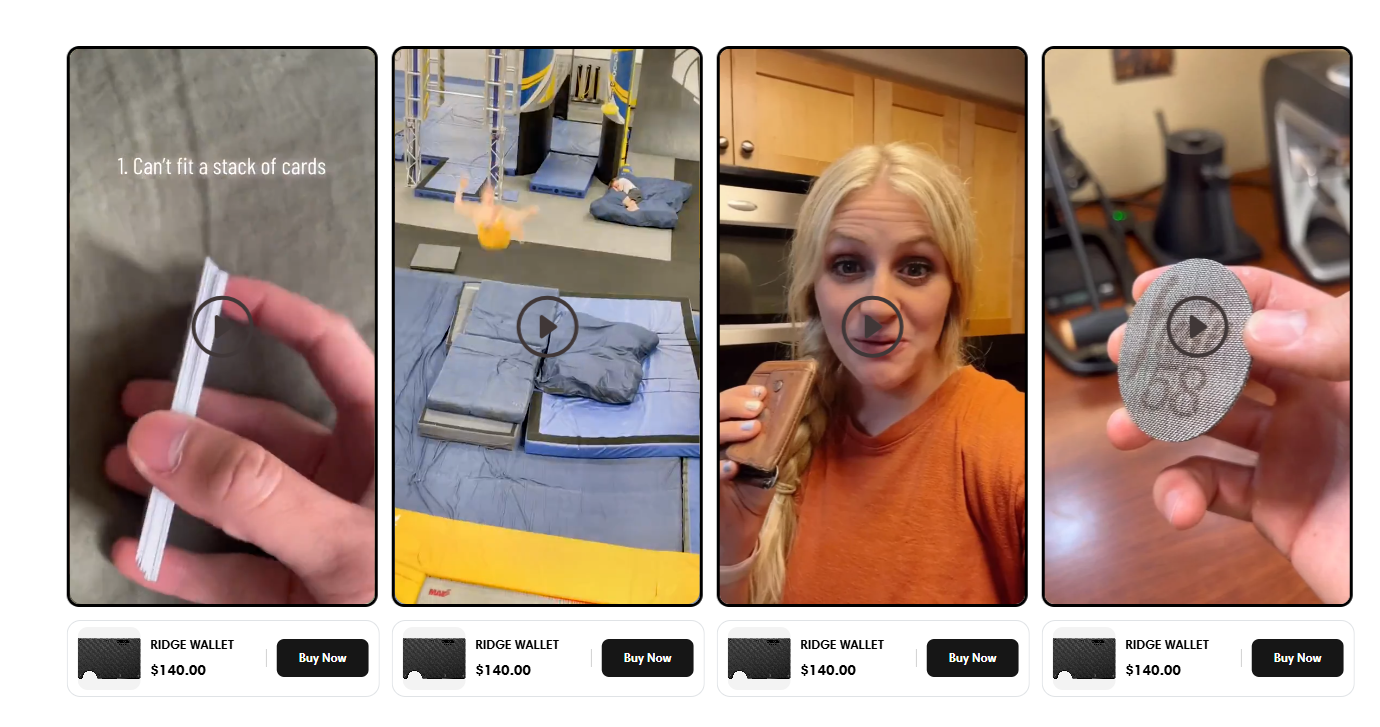
CTAs can be embedded within each video or added outside the player to further boost conversions.
Step 1: Upload Your Videos
Go to: Library → Videos
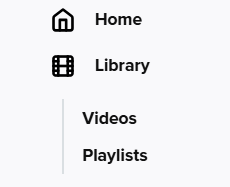
Click Upload Video

You can upload in two ways:
Bulk Upload: Add videos from your desktop or cloud service
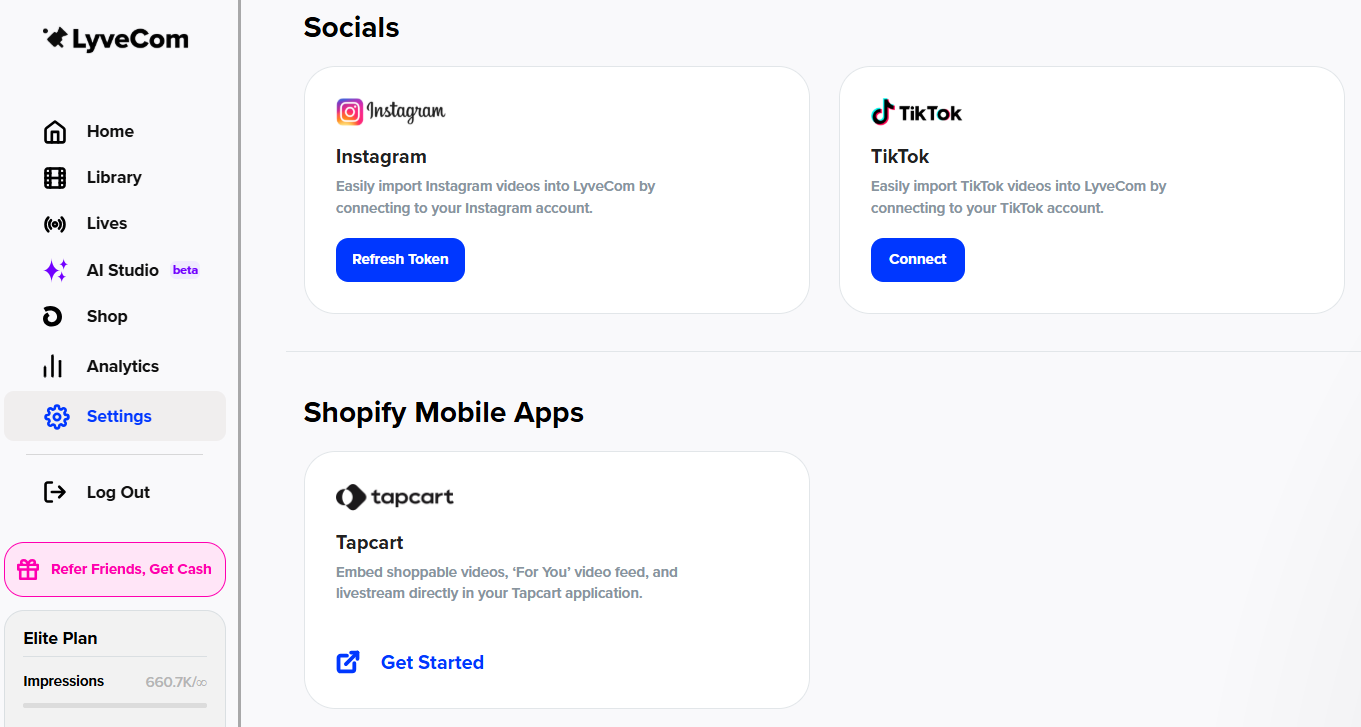
Single Video: Add from desktop, Instagram, or TikTok (Log in via: Settings → Integrations → Socials)
Tips:
Name your video clearly so it’s easy to identify later
Keep the video type as shoppable
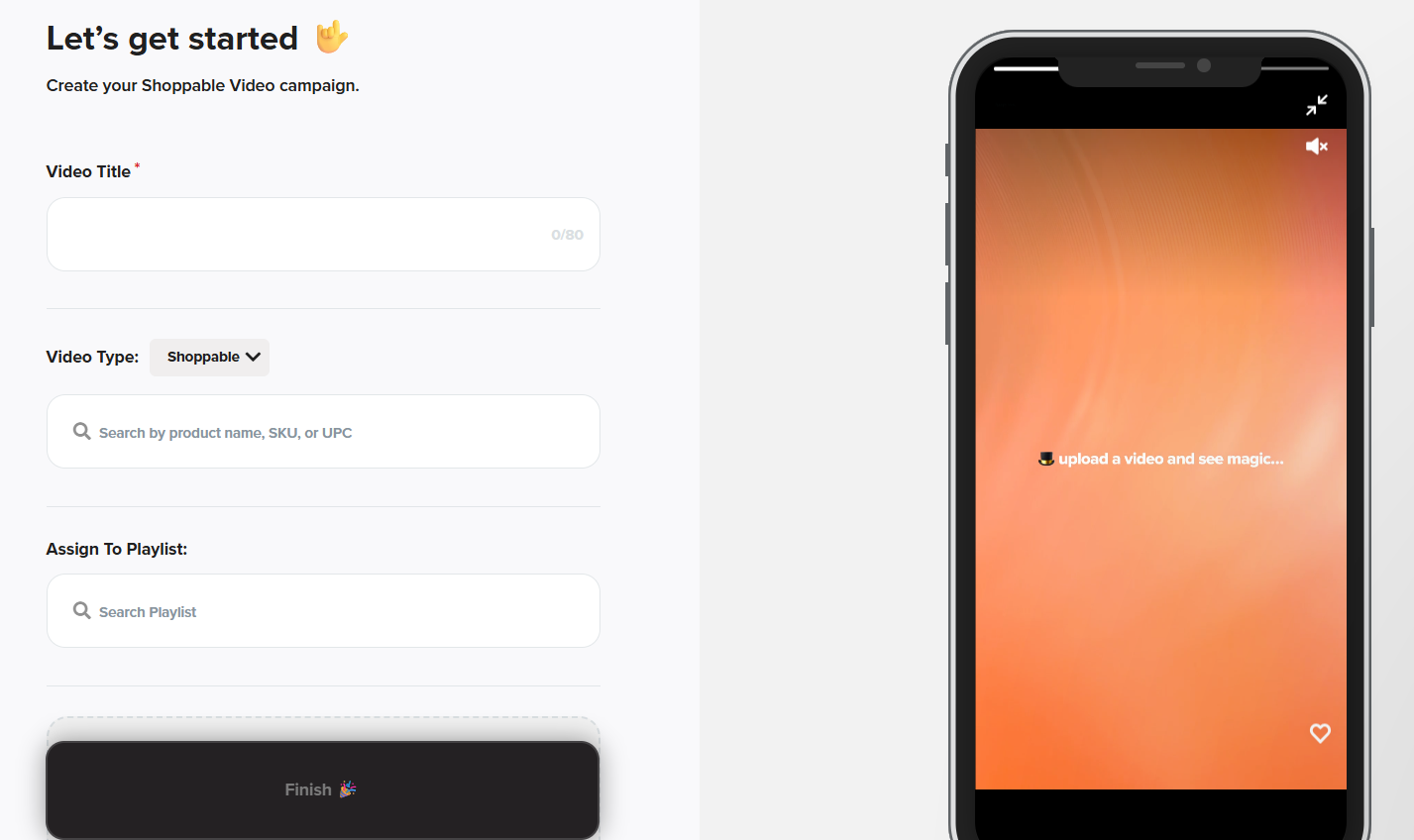
Use the “Search by product name or SKU” field to tag products featured in the video
Add related products for cross-sell or upsell opportunities
Click Choose File, then Finish
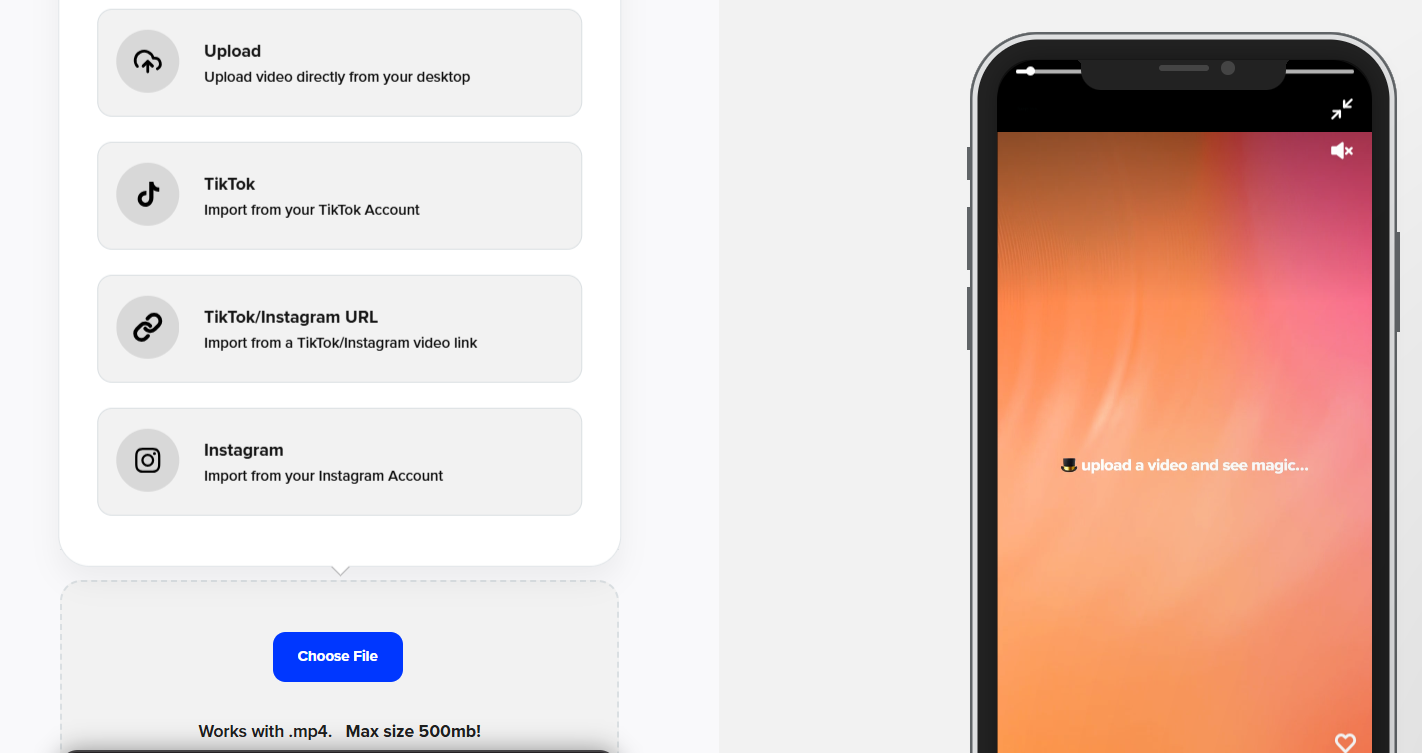
Repeat until you’ve uploaded at least 5 videos
Step 2: Create Your Playlist
Go to: Library → Playlist
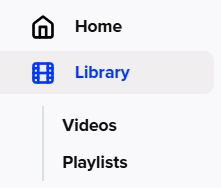
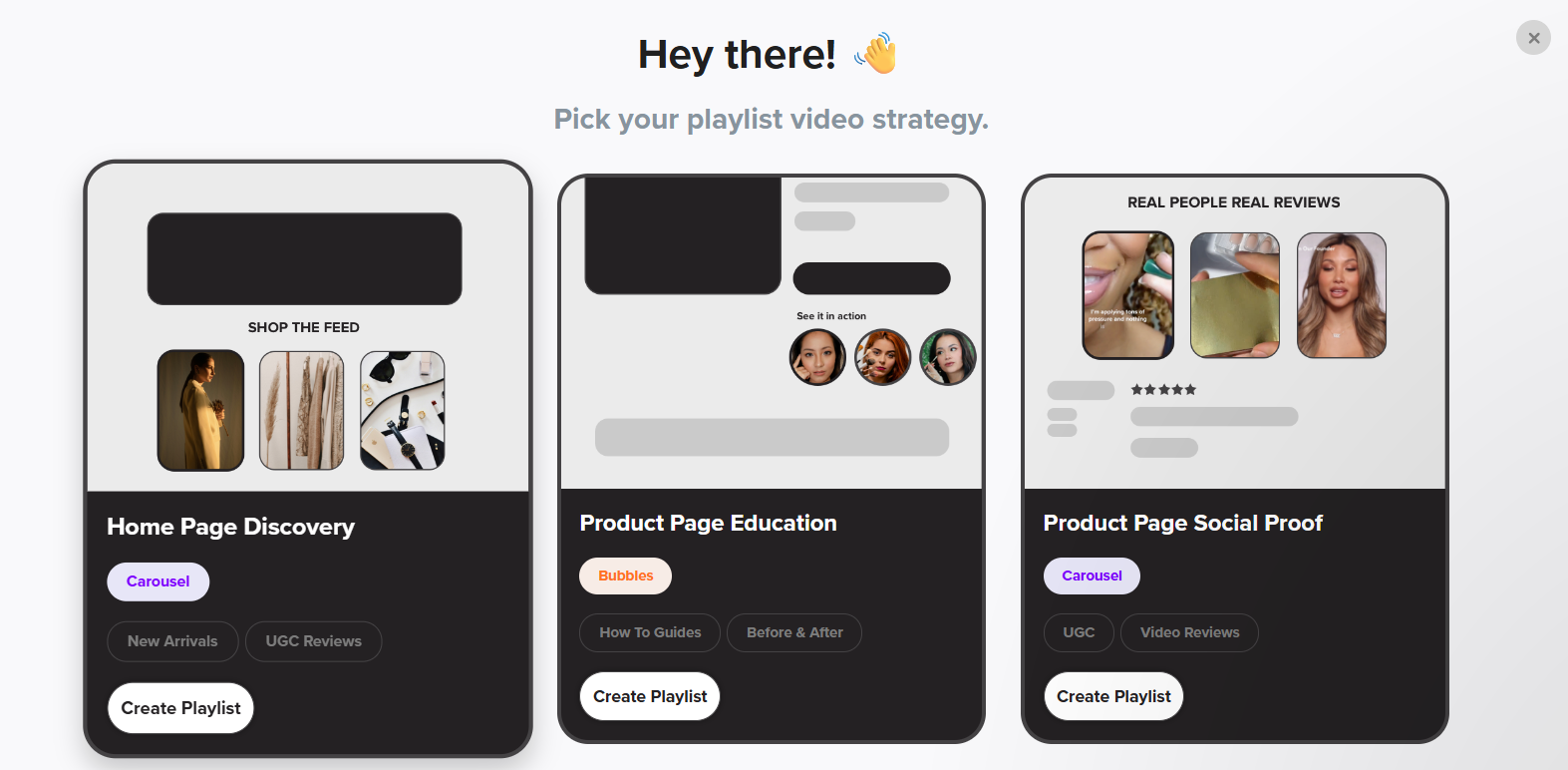
Click New Playlist

Choose a layout:
Home Page Discovery
Product Page Social Proof
Name the playlist something descriptive (e.g., "PDP Carousel" or "Homepage Reviews")
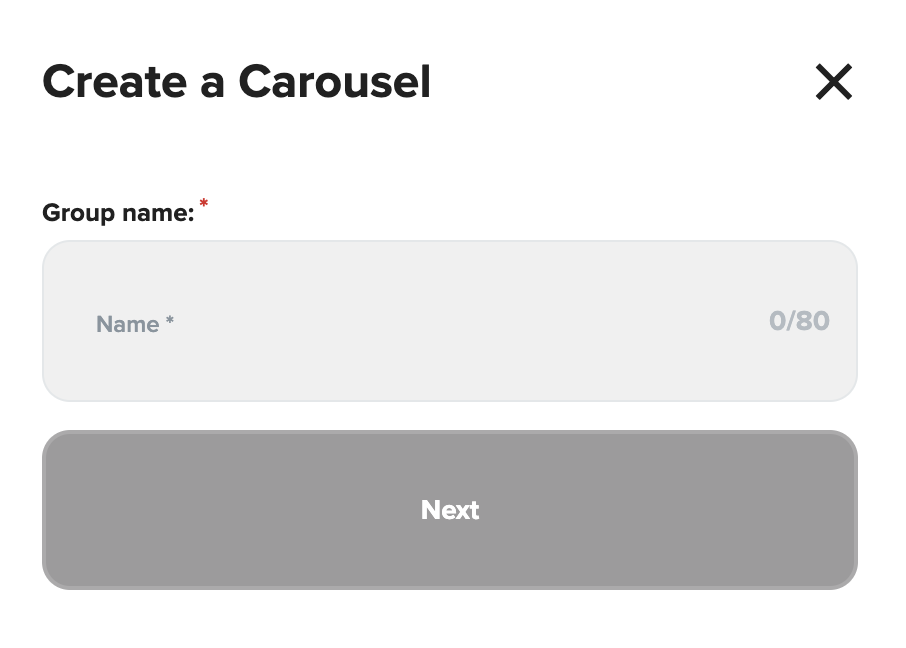
Select the videos you want in the carousel
Click Get Carousel
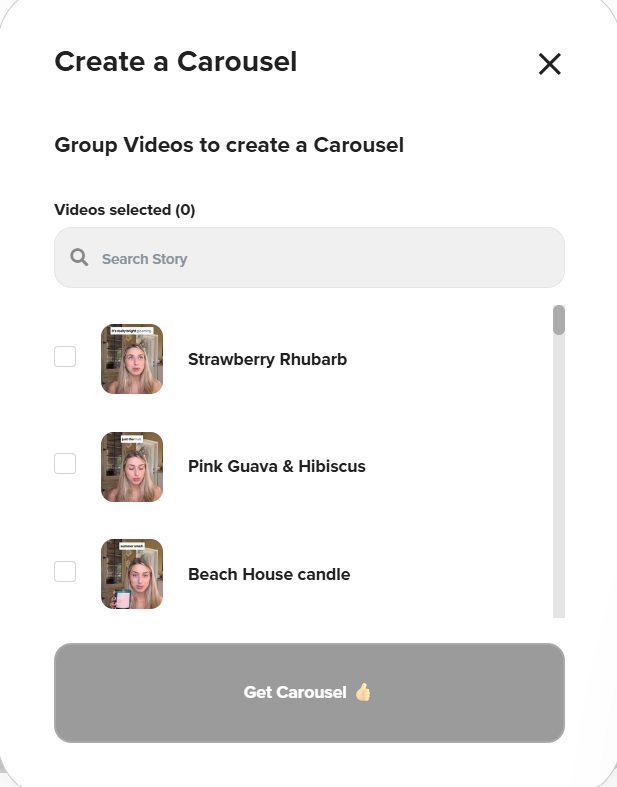
Step 3: Customize Your Carousel
Under the Design tab, adjust visual settings to match your branding
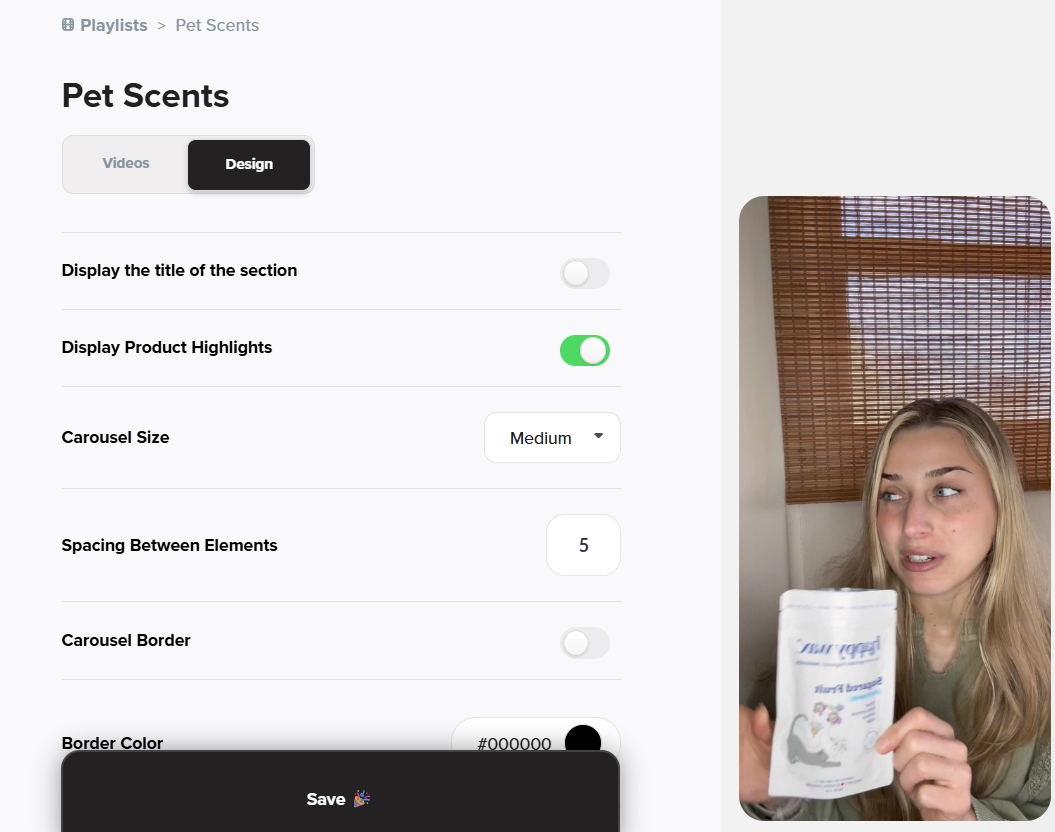

Copy the Campaign ID
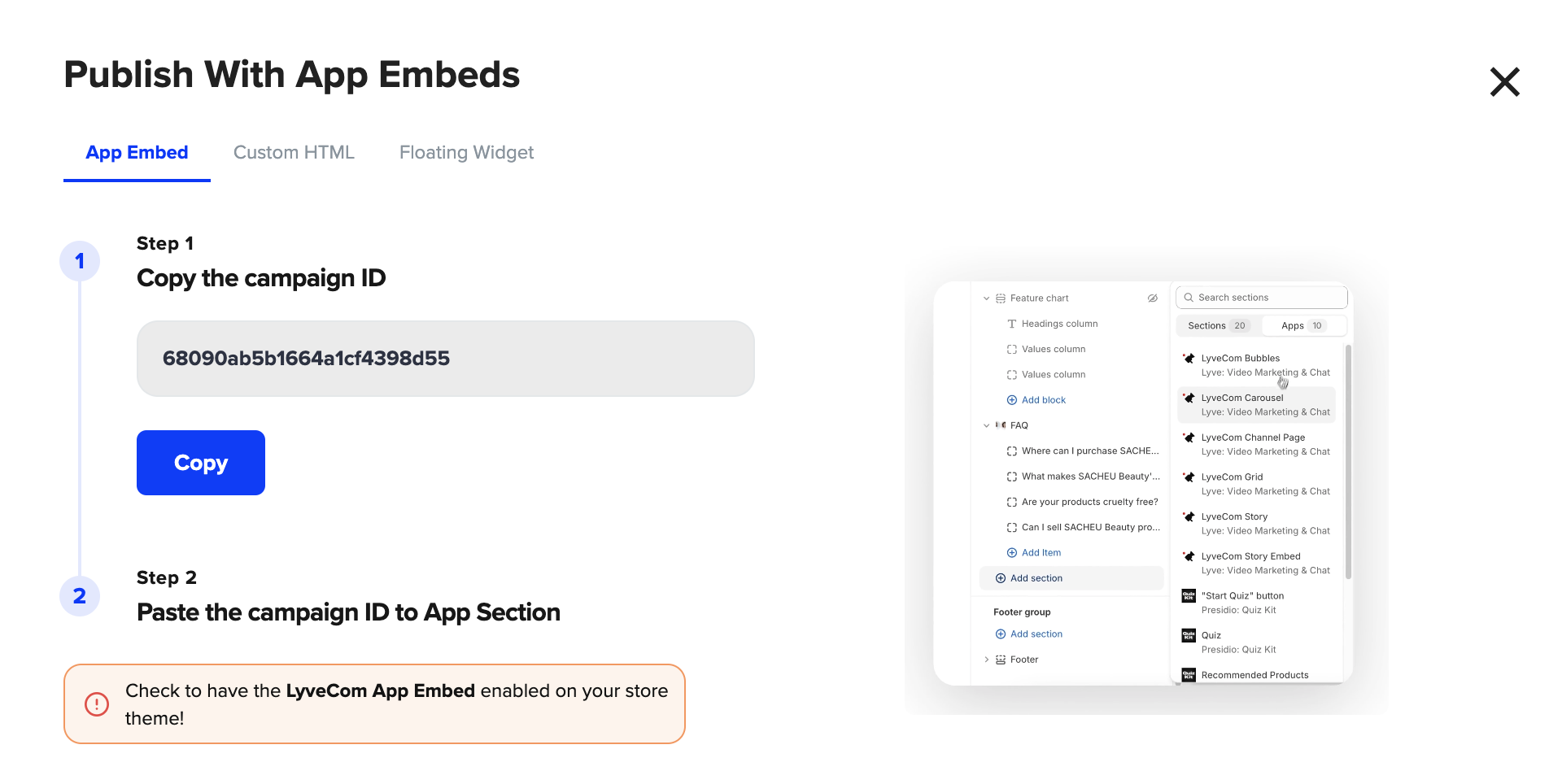
Step 4: Embed on Your Shopify Store
Open your Shopify theme editor
Make sure Lyvecom’s App Embeds are turned on
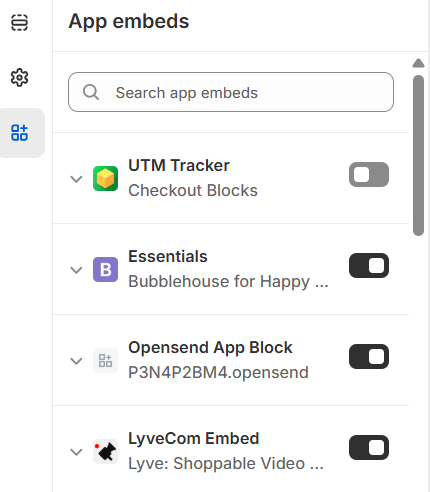
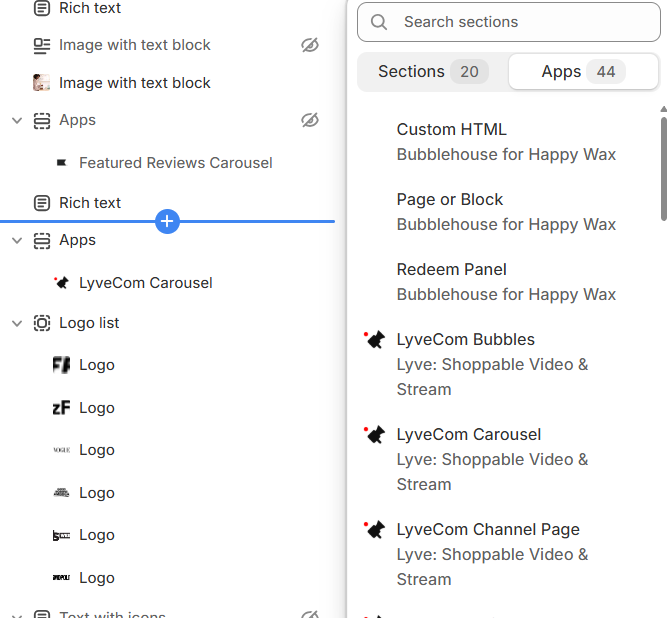
Click Add Section → Apps → Lyvecom Carousel
Paste your Carousel ID
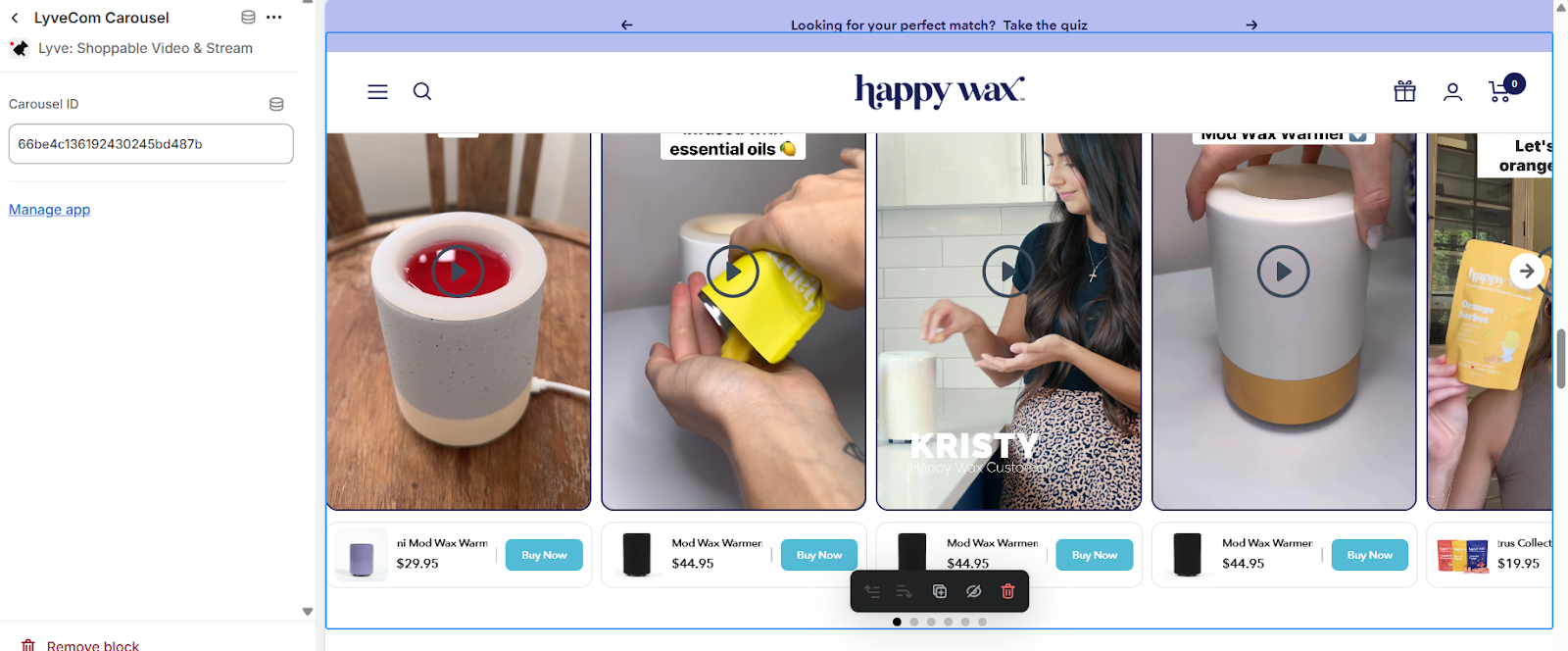
Save and publish your changes
Your carousel is now live! This is a powerful way to drive engagement, build trust, and boost conversions right on your product or homepage.
Have more questions? Reach out to our support team - we’re happy to help!
Happy selling! ✨