
Creating a Shoppable Video CampaignUpdated 4 months ago
Platform: Lyvecom
Intended Audience: Ecommerce Managers, Marketing Teams, Content Creators
Creating a New Shoppable Video Campaign
Shoppable video campaigns on LyveCom allow you to create immersive product experiences that drive engagement and conversion. Follow these steps to launch a new campaign from your Stories tab.
Step 1: Start a New Campaign
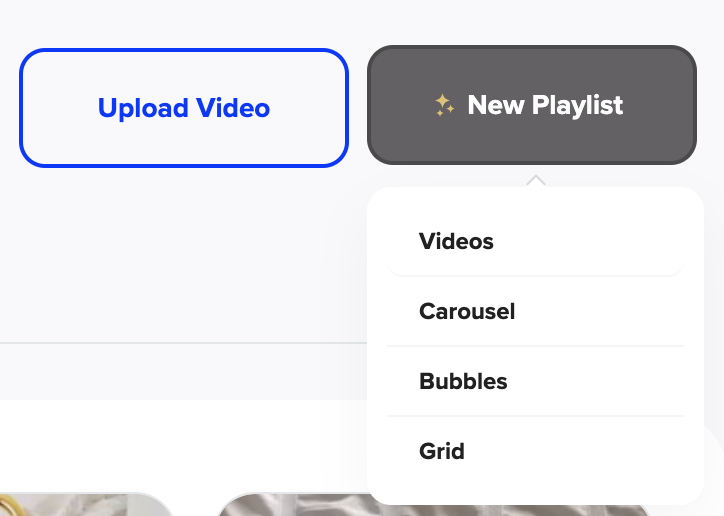
Click the New Playlist button within your Stories tab to begin creating your campaign.
Step 2: Name Your Video
Enter a name for your video in the designated field. This name will display as an overlay title on your video preview and will appear to customers as they watch.
Step 3: Tag Products
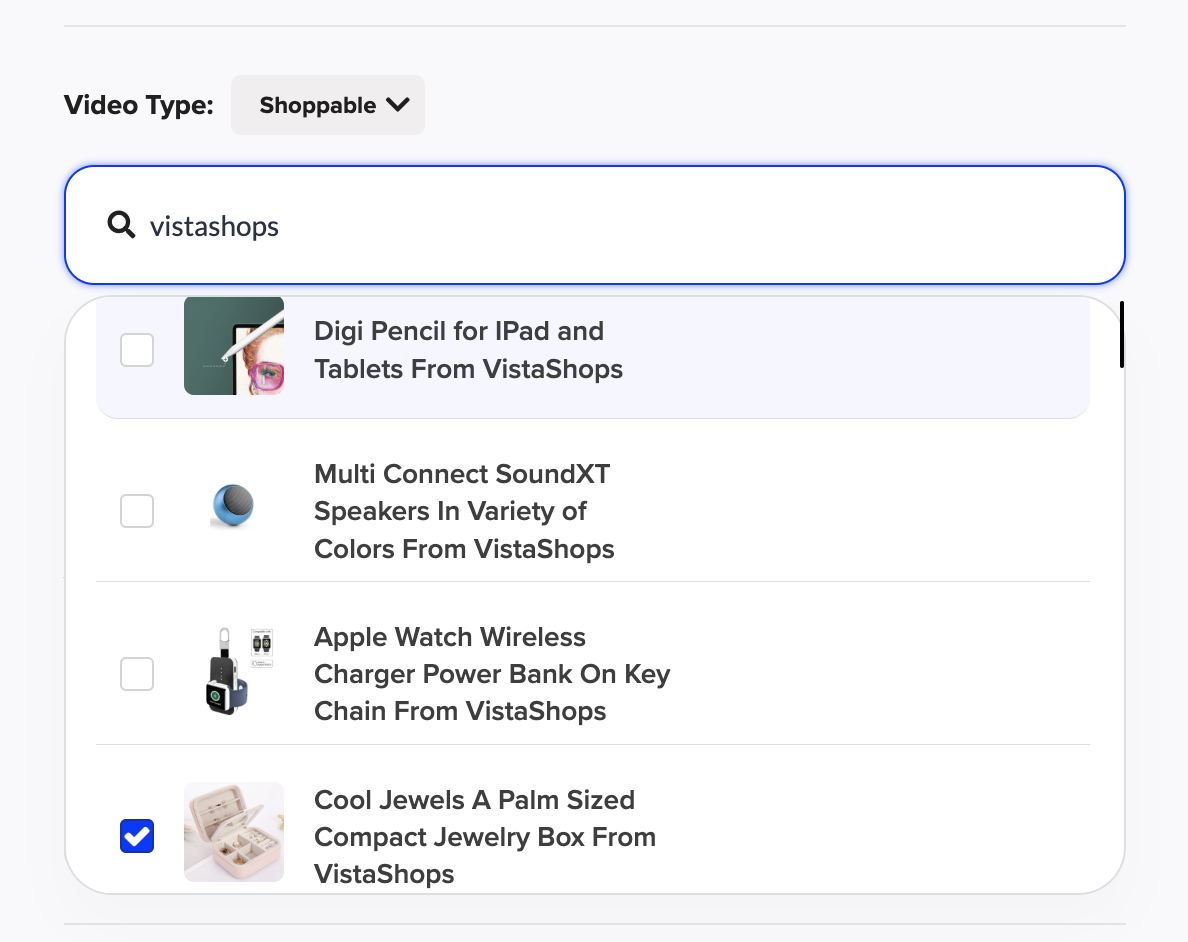
Search for and tag products directly from your Shopify-connected catalog. These products will be featured as clickable links within your video.
If a product is missing, re-sync your product catalog in your LyveCom account settings to ensure the latest data is pulled in.
Step 4: Upload Your Video
You can upload your video in one of two ways:
Upload directly from your desktop
Import via TikTok or Instagram using OAuth login
Both options allow you to seamlessly connect your video content with tagged products.
You're now ready to publish and share your campaign across your ecommerce site.
Have more questions? Reach out to our support team - we’re happy to help!
Happy streaming!