
Chat ModerationUpdated 4 months ago
Intended Audience: Hosts, Marketing Teams, Livestream Operators
Purpose: This guide walks you through how to manage the comment section during your livestream — including setting your chat name, pinning key messages, and moderating comments — so you can keep your audience engaged and your brand voice consistent.
Why Chat Moderation Matters
Your livestream chat is one of the most powerful tools for audience interaction. A lively, well-managed comment section builds trust, drives conversions, and keeps your viewers coming back.
Step 1: Set Your Chat Name
Before going live, make sure your chat name reflects your brand.
Locate the red Chat Name box
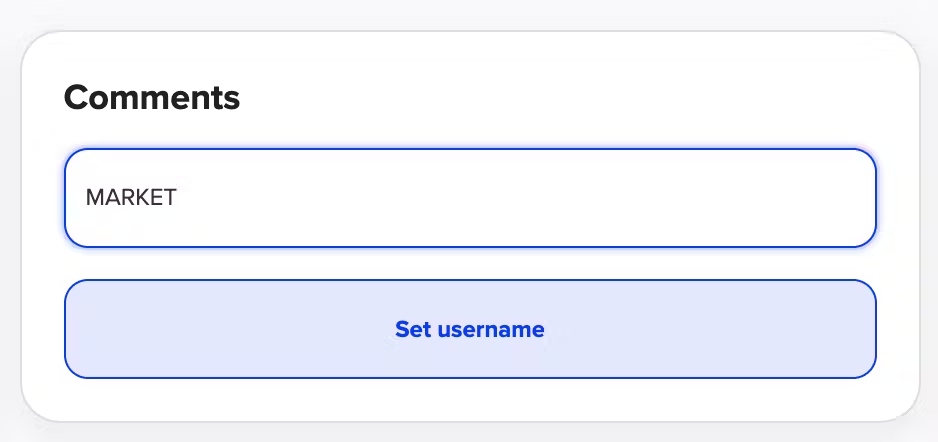
Type the name you'd like your viewers to see
💡 Quick Tip: Choose a name that’s consistent with your brand — it will display every time you comment. 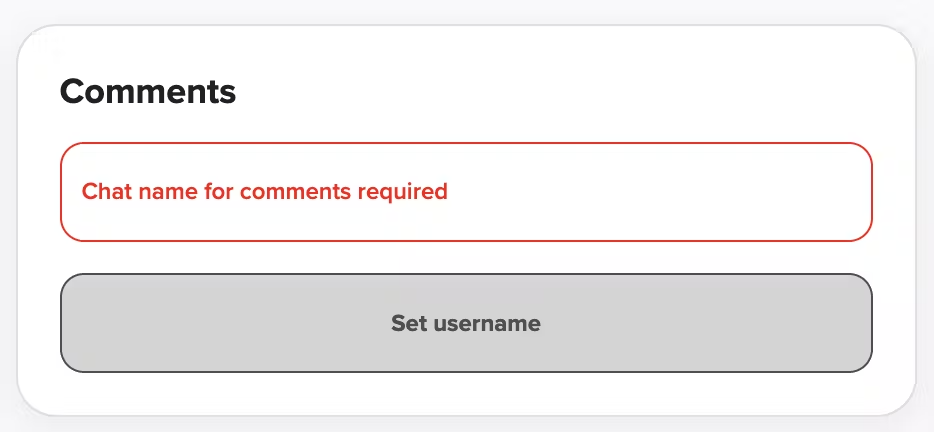
Step 2: Pin a Comment
Highlight key info or CTAs during your stream:
Type your message in the Pinned Comment field
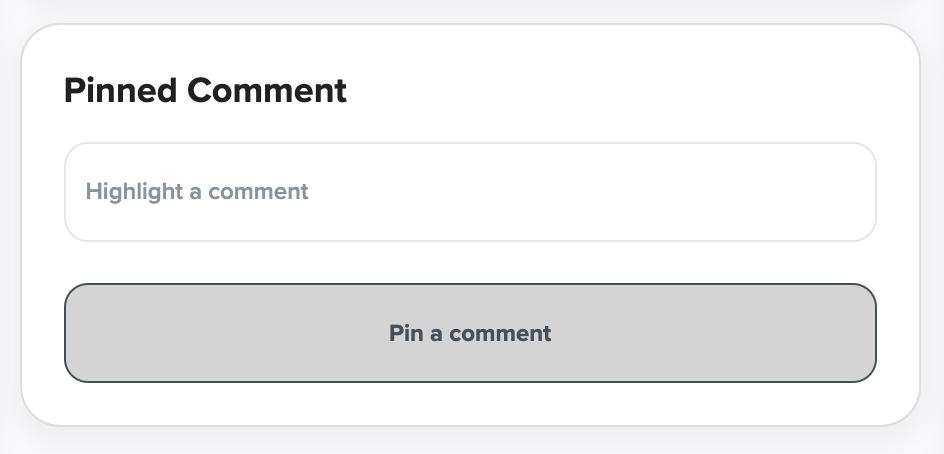
Click the blue Pin a comment button
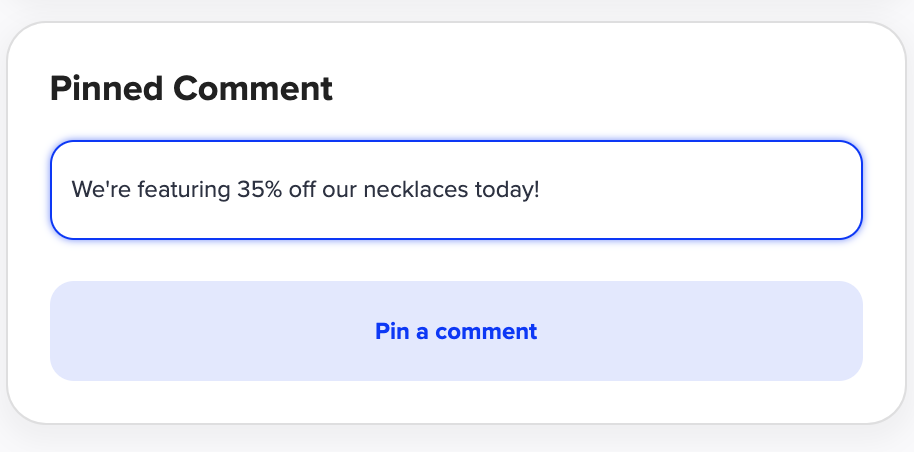
Your message will appear at the top of the chat
💡 Need to change it? Just click the red Unpin comment button, update your message, and pin again. 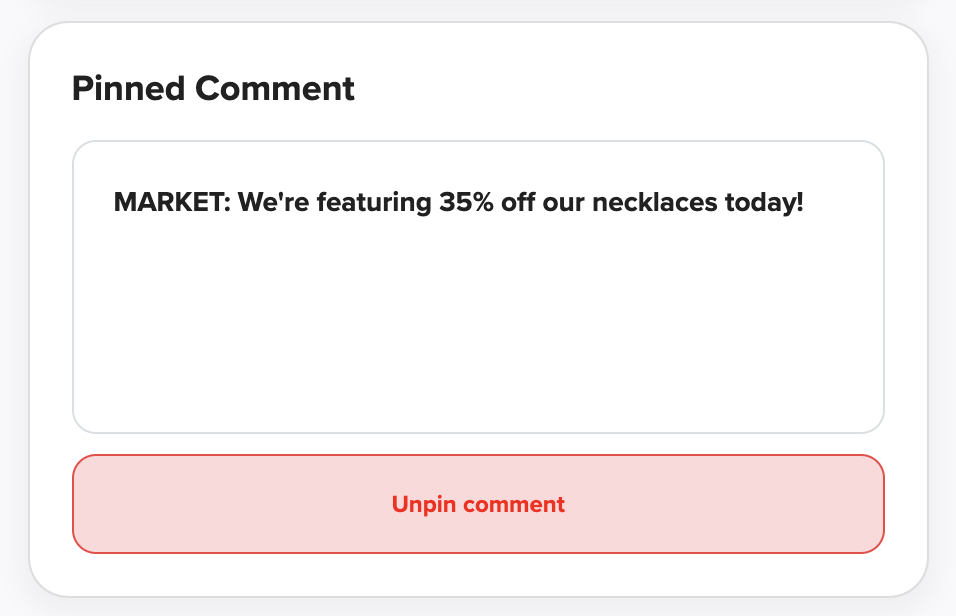
Step 3: Engage With Live Comments
Once you’re live:
View incoming messages in the comment feed
Use your branded chat name to interact directly with viewers
Scroll up/down to catch up on earlier messages
🧠 Pro Tip: Engaging in real-time keeps viewers active and encourages them to shop while they watch. 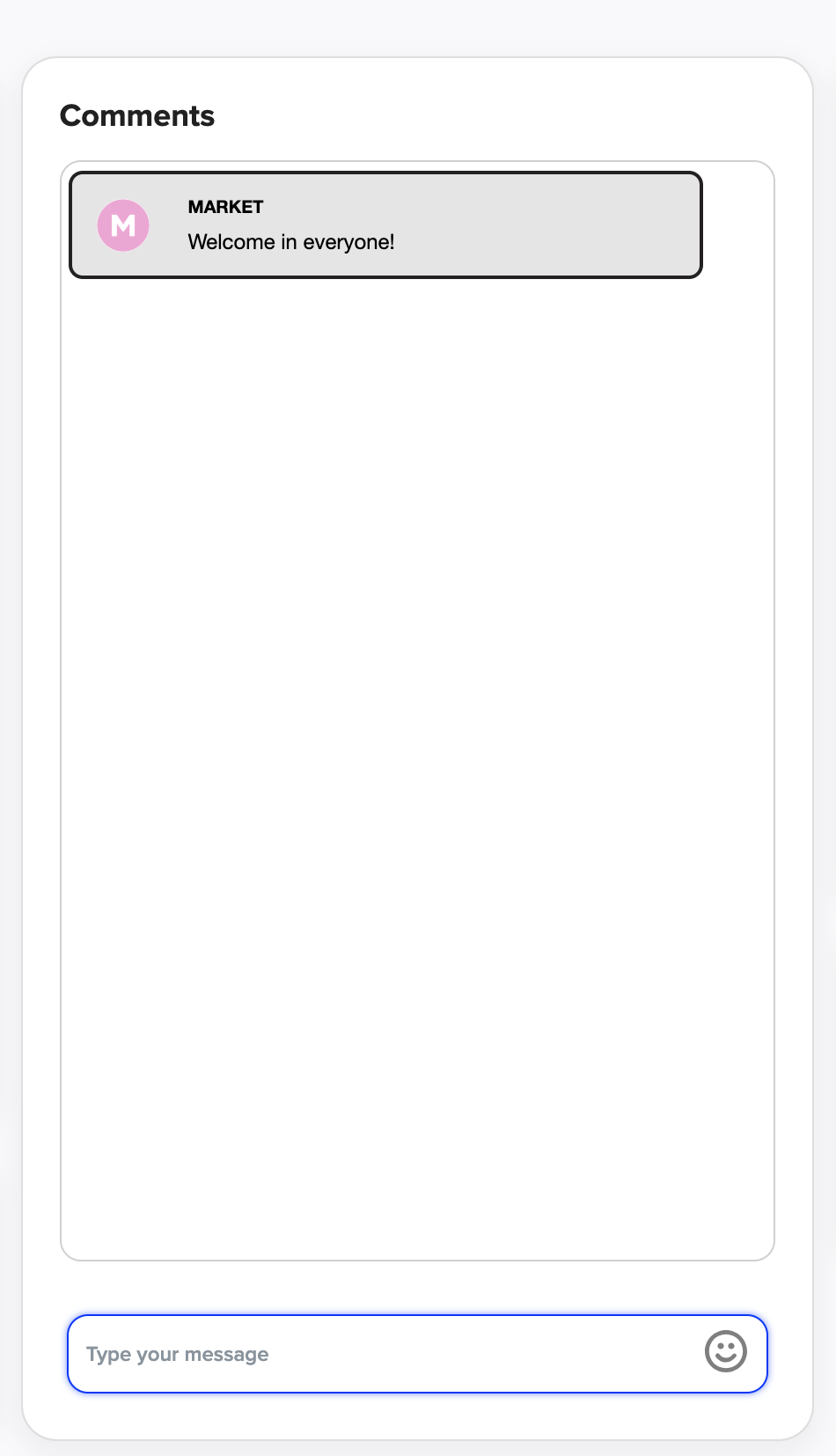
Step 4: Delete or Moderate Comments
To keep things respectful and on-brand:
Hover over any comment in the chat
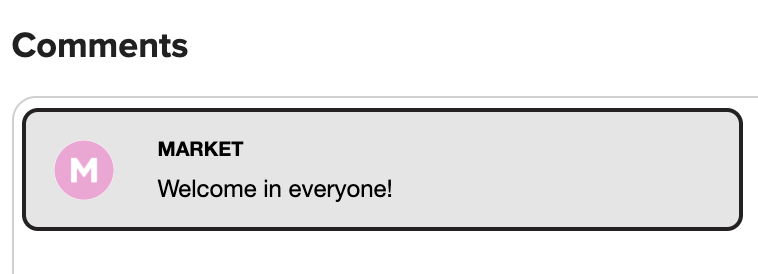
Click the three dots (
...) in the top right corner of the commentSelect Delete to remove offensive or unwanted messages
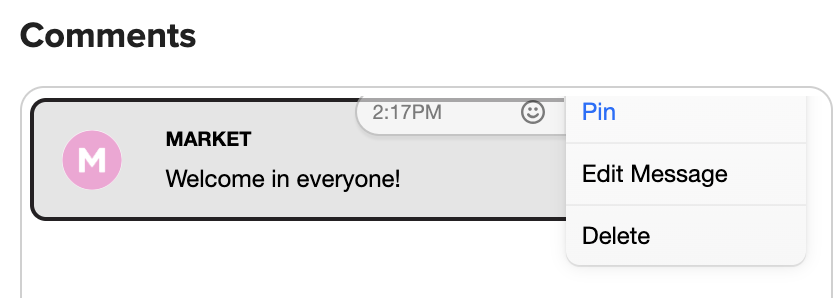
You can also Edit your own messages or Pin them here
You’re in control of your audience experience — feel free to clean up as needed.
Have more questions? Reach out to our support team - we’re happy to help!
Happy streaming! ✨